How to add text to a whiteboard in Zoom Docs
Here is how to add text to a whiteboard in zoom docs
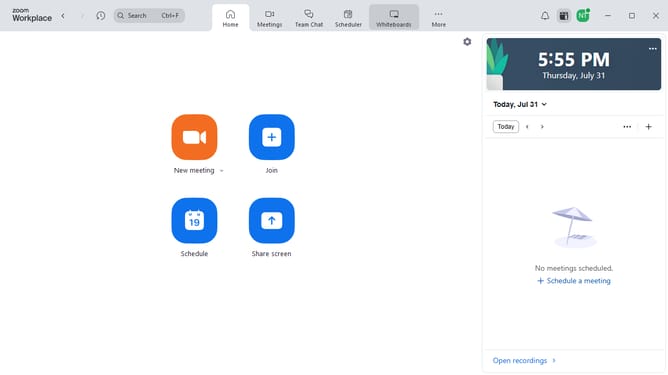
- First click on "Docs" in the left sidebar menu
- Then open the document containing the whiteboard where you want to add text
- Next click on the whiteboard area in the document to interact with it
- Then click on the "Edit" button in the toolbar above the whiteboard
- Click on the "Text" tool in the left toolbar of the whiteboard editor
- Finally click on the desired location in the whiteboard where you want to add text
Why should you add text to a whiteboard in Zoom Docs
Zoom is a powerful platform designed to enhance virtual communication and collaboration.
The ability to add text to a whiteboard in Zoom Docs transforms meetings by providing a visual tool for notes, ideas, and plans.
This feature enables participants to capture and share insights in real-time, fostering a collaborative environment conducive to creativity and productivity.
Overall, integrating text into whiteboards enriches the experience, making it interactive and accessible for all attendees.
Last update