How to hide last updated time in Zoom Docs
Here is how to hide last updated time in zoom docs
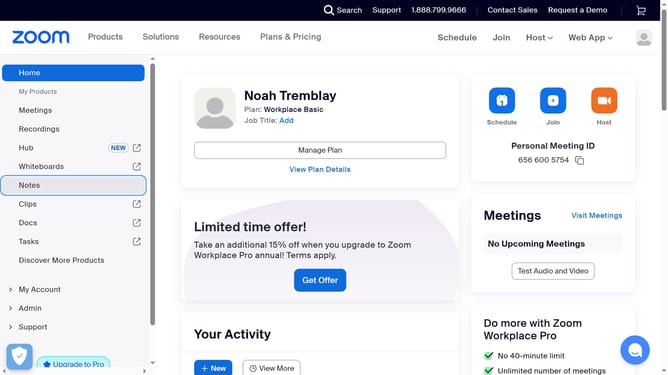
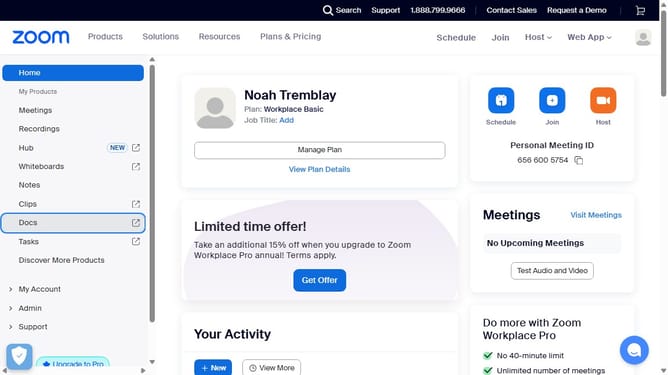
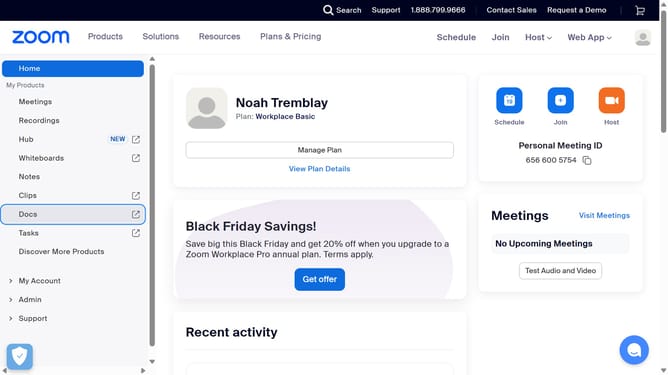
- First click on the "Docs" option in the left sidebar menu
- Then open the document where you want to hide the last updated time
- Next click on the "More" menu button in the top toolbar
- Then select "Page options" from the dropdown menu
- Finally turn off the "Last updated" toggle to hide the timestamp from the document header
Why should you hide last updated time in Zoom Docs
Zoom is a leading platform for seamless video communication, connecting people across the globe.
With the feature to hide the last updated time in Zoom Docs, you can focus more on collaboration without distractions.
This feature is especially beneficial for maintaining a clean document interface and ensuring that the content, rather than the modification timeline, is at the forefront.
Embracing this option enhances privacy and offers more control over document presentation to suit personal or professional needs.
Last update