How to switch to calendar view in a data table in Zoom Docs
Here is how to switch to calendar view in a data table in zoom docs
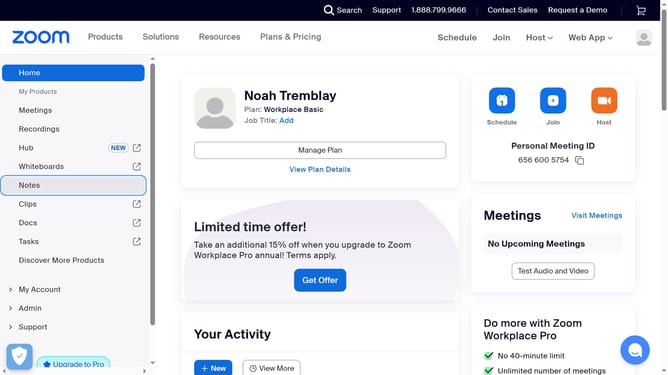
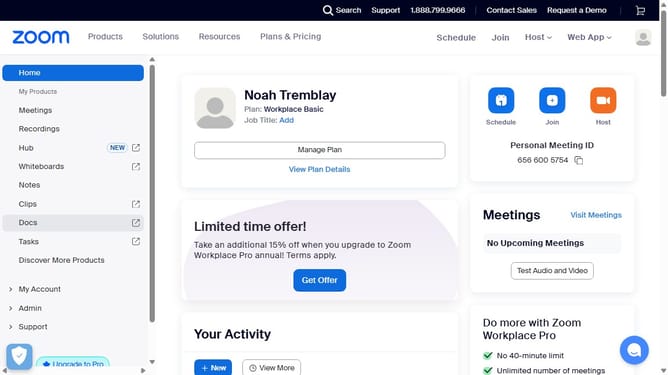
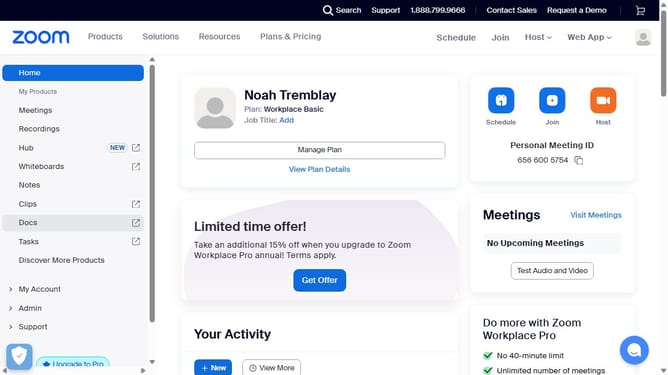
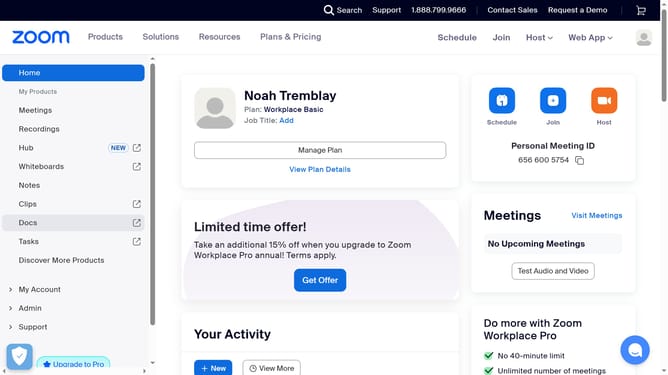
- First click on the "Docs" link in the left sidebar navigation menu
- Then open the data table you want to switch to calendar view
- Next click on the table options menu button located in the top toolbar
- Then hover over the "Change view to" option in the dropdown menu
- Finally click on the "Calendar view" option from the submenu
Why should you switch to calendar view in a data table in Zoom Docs
Zoom connects people worldwide through seamless communication tools, making collaboration simple and effective.
Switching to the calendar view in a data table in Zoom Docs enhances your organizational capabilities by providing a visually intuitive layout of your scheduled tasks and events. This feature allows for a clearer perspective on time management within documents, helping users stay on top of deadlines and meetings.
Utilizing the calendar view can boost productivity by offering a coherent way to visualize your schedule directly within your document workflow. Embrace better planning and convenient tracking for a more streamlined experience.
Last update