Zoom
Zoom is a unified communications platform for video, phone, chat, and webinars. It helps teams connect, collaborate, and boost productivity with powerful, intuitive tools.
Website
Industry
Collaboration
Share this article:

How to set task visibility to "Anyone at your company" in Zoom

Here is how to set task visibility to "anyone at your company" in zoom

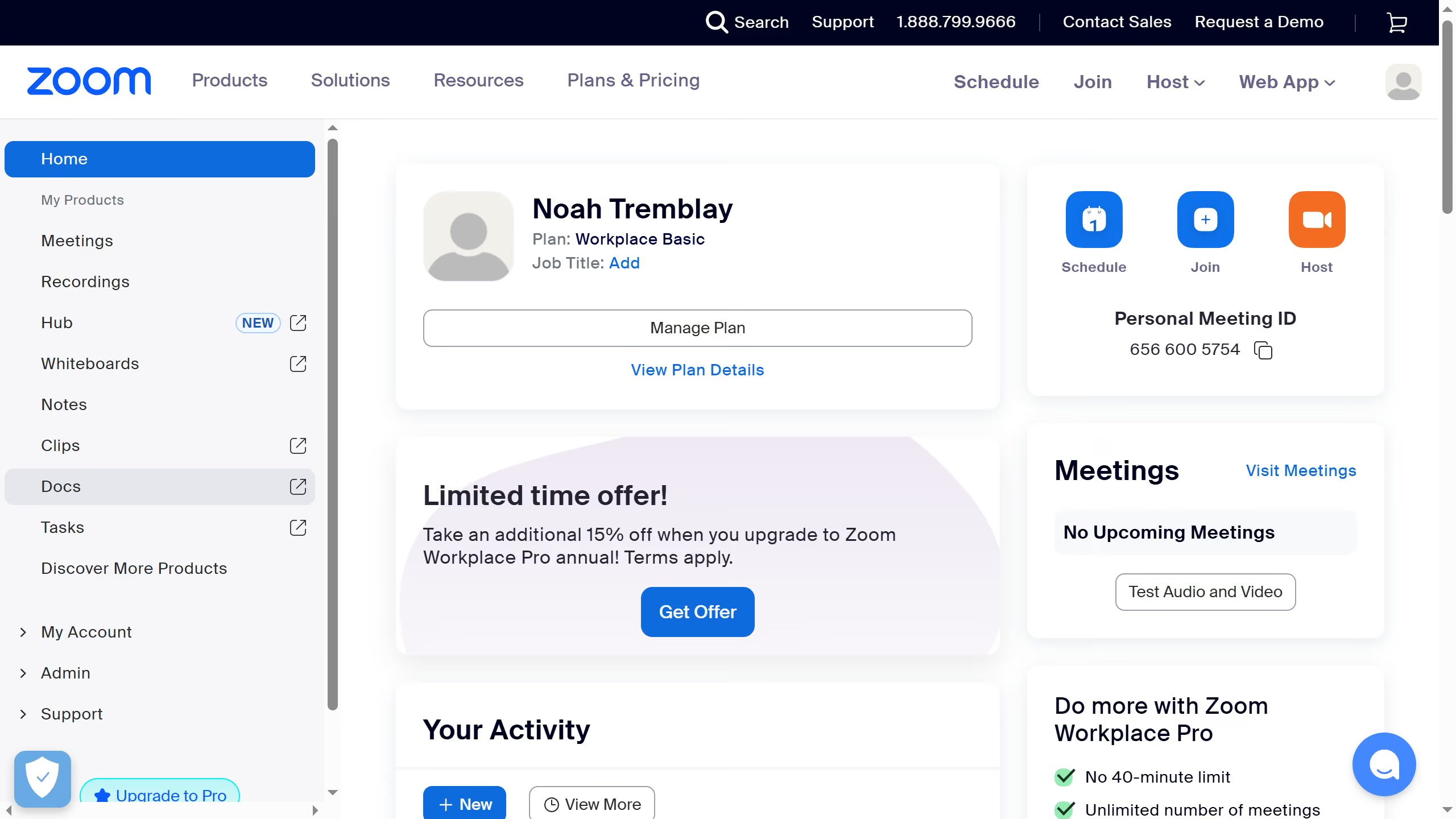
  1. First click on the "Tasks" option in the left sidebar menu
  2. Then click on "My tasks" in the left panel task list
  3. Next select the task you want to update from the task list
  4. In the task details panel, click on the "Visibility" dropdown menu
  5. Finally select "Anyone at your company" from the visibility options to make the task visible to all company members

Create your own interactive guide with Guideflow

Why should you set task visibility to "Anyone at your company" in Zoom

Zoom is an essential tool that brings people together through seamless communication and collaboration.

Setting task visibility to "Anyone at your company" in Zoom enhances teamwork by allowing all company members to stay informed and involved. This feature ensures that relevant information is accessible to everyone, driving a culture of transparency and inclusivity.

By making tasks visible company-wide, employees can easily align their efforts, identify collaboration opportunities, and foster a more cohesive working environment. This promotes efficiency and strengthens internal connections, empowering your organization to achieve its goals together.


Last update
February 3, 2026
Cursor MariaA cursor points to a button labeled "James."

Create your first demo in less than 30 seconds.