Zoom
Zoom is a unified communications platform for video, phone, chat, and webinars. It helps teams connect, collaborate, and boost productivity with powerful, intuitive tools.
Website
Industry
Collaboration
Share this article:

How to change a task status to "To-do" in Zoom

Here is how to change a task status to "to-do" in zoom

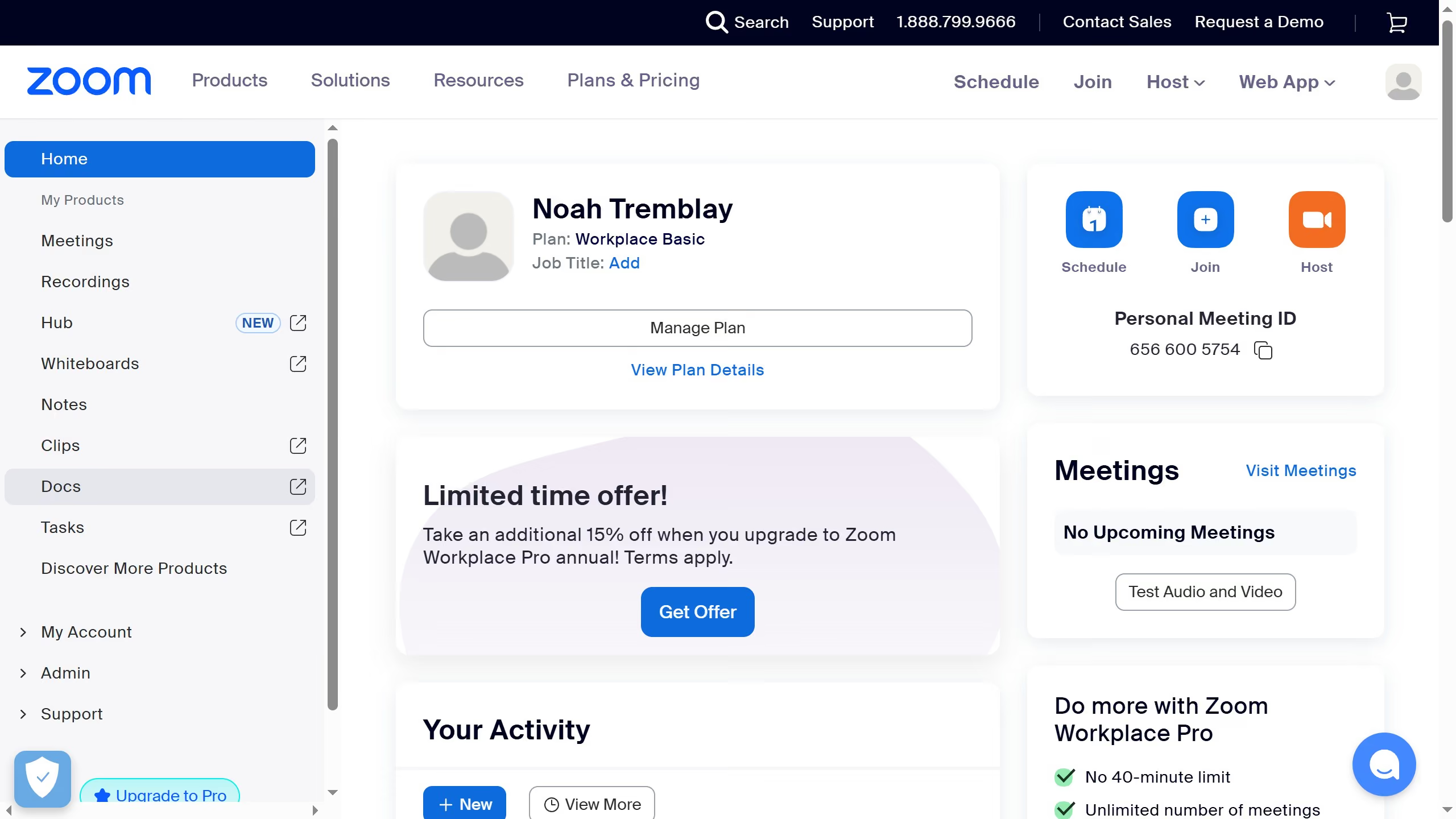
  1. First click on the "Tasks" option in the left sidebar menu
  2. Then click on "My tasks" in the left panel task list
  3. Next select the task you want to change status to "To-do" from the task list
  4. Next click on the "Status" dropdown in the task details panel
  5. Finally select "TO DO" from the status dropdown menu

Create your own interactive guide with Guideflow

Why should you change a task status to "To-do" in Zoom

Zoom is a versatile platform designed to enhance communication and collaboration effortlessly.

Among its various features, the ability to change a task status to "To-do" ensures that team members can prioritize tasks effectively. This feature allows users to streamline task management, ensuring clarity and focus within their projects.

By marking tasks as "To-do," teams can stay organized and keep track of important deadlines. It helps maintain productivity by spotlighting tasks that require immediate attention, making workflows smoother and more efficient.


Last update
February 3, 2026
Cursor MariaA cursor points to a button labeled "James."

Create your first demo in less than 30 seconds.