Zoom
Zoom is a unified communications platform for video, phone, chat, and webinars. It helps teams connect, collaborate, and boost productivity with powerful, intuitive tools.
Website
Industry
Collaboration
Share this article:

How to hide the task Collaborators column in Zoom

Here is how to hide the task collaborators column in zoom

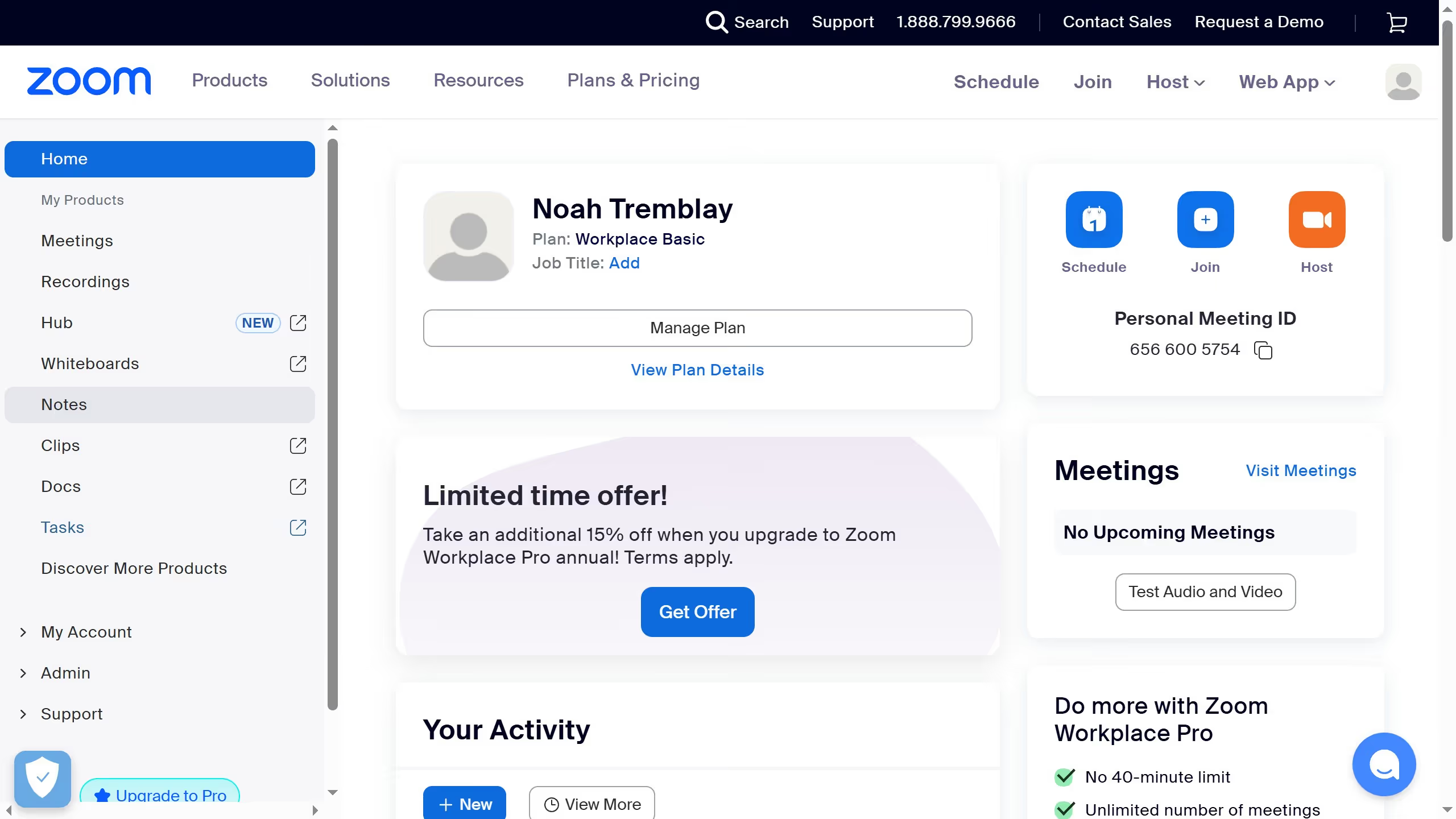
  1. First click on "Tasks" in the left sidebar menu
  2. Then click on the "My tasks" section in the left sidebar submenu
  3. Next click on the "Column settings" icon in the top-right corner of the tasks view
  4. Then disable the "Collaborators" toggle switch in the column settings panel
  5. Finally click the "Confirm" button to apply the column settings changes

Create your own interactive guide with Guideflow

Why should you hide the task Collaborators column in Zoom

Zoom is a leading platform that connects people virtually, facilitating seamless communication worldwide.

One useful feature is the ability to hide the task Collaborators column. While engaging in collaborative projects, maintaining a clutter-free interface can enhance focus and productivity.

Hiding this column might help avoid distractions, letting participants zero in on critical conversation and information. This feature is tailor-made for professionals aiming to streamline their online interactions while maximizing efficiency.


Last update
February 3, 2026
Cursor MariaA cursor points to a button labeled "James."

Create your first demo in less than 30 seconds.