Zoom
Zoom is a unified communications platform for video, phone, chat, and webinars. It helps teams connect, collaborate, and boost productivity with powerful, intuitive tools.
Website
Industry
Collaboration
Share this article:

How to see who has access to a document in Zoom Docs

Here is how to see who has access to a document in zoom docs

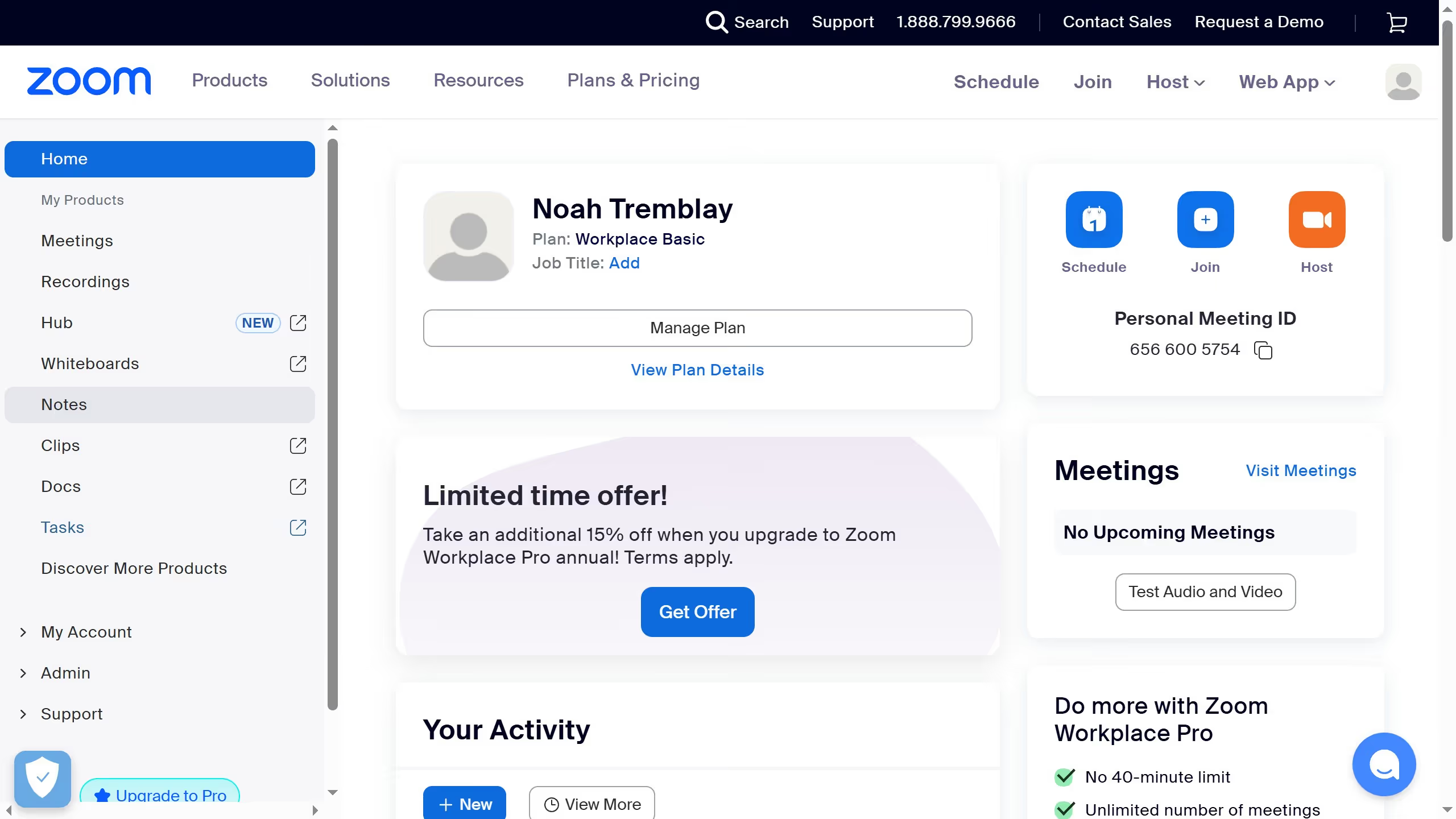
  1. First click on the "Docs" option in the left sidebar menu
  2. Then open the document you want to check access for
  3. Next click on the "Share" button located in the top toolbar
  4. Here you can view the list of collaborators and their permission levels in the sharing dialog

Create your own interactive guide with Guideflow

Why should you see who has access to a document in Zoom Docs

Zoom is a versatile platform that connects people through video, voice, and content sharing seamlessly.

In Zoom Docs, knowing who has access to a document is crucial for maintaining effective collaboration and confidentiality. This feature provides a clear overview of document access, ensuring you stay informed about participants.

By understanding access levels, teams can efficiently manage document permissions, enhancing security and fostering trust. This contributes to a collaborative environment where everyone knows their role and responsibility.


Last update
February 3, 2026
Cursor MariaA cursor points to a button labeled "James."

Create your first demo in less than 30 seconds.