Zoom
Zoom is a unified communications platform for video, phone, chat, and webinars. It helps teams connect, collaborate, and boost productivity with powerful, intuitive tools.
Website
Industry
Collaboration
Share this article:

How to set task visibility to "Only assignees and collaborators" in Zoom

Here is how to set task visibility to "only assignees and collaborators" in zoom

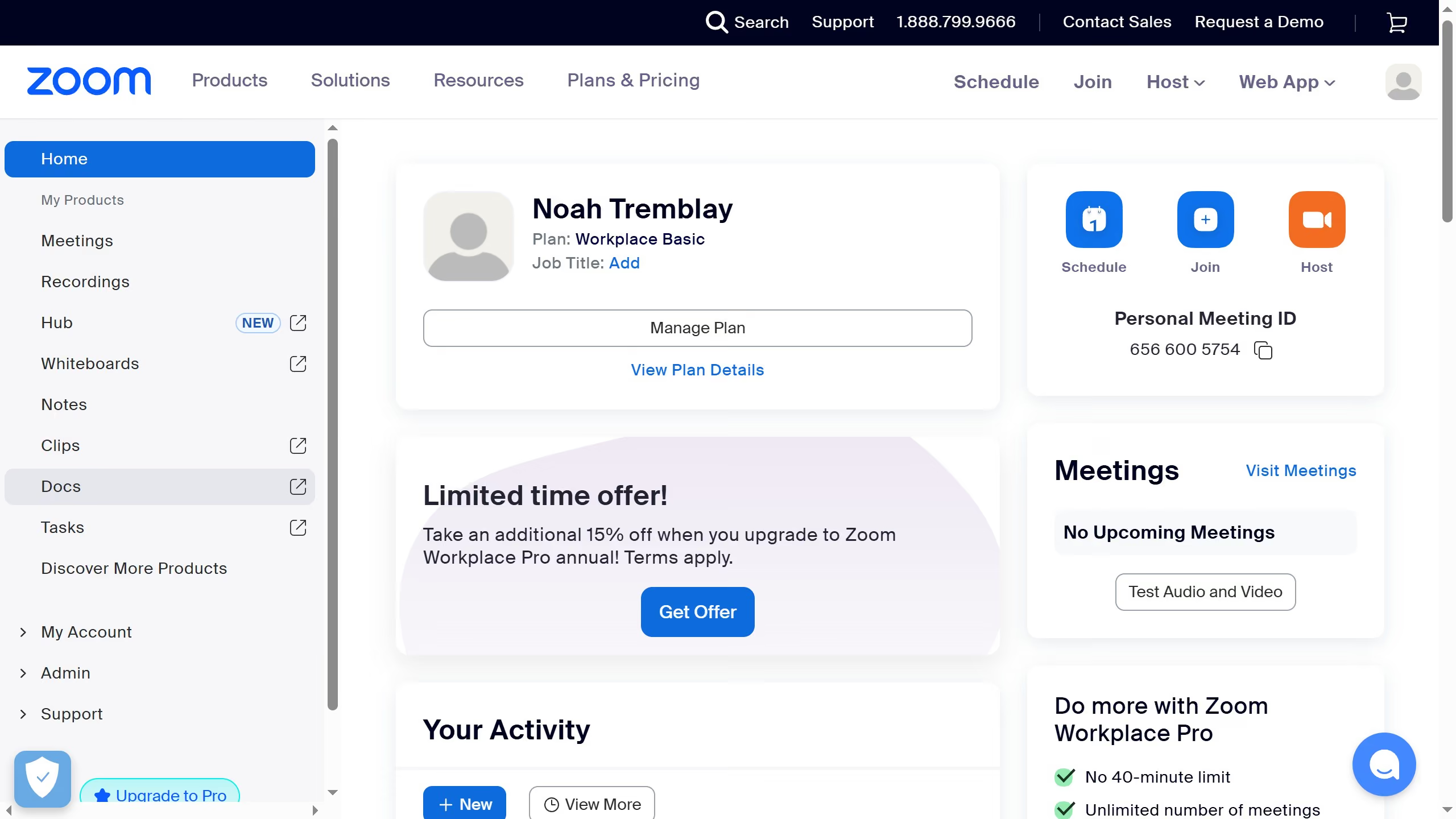
  1. First click on the "Tasks" option in the left sidebar menu
  2. Then click on "My tasks" in the left panel task list
  3. Next select the task you want to update from the task list
  4. In the task details panel, click on the "Visibility" dropdown menu
  5. Finally select "Only assignees and collaborators" from the visibility options to apply the setting

Create your own interactive guide with Guideflow

Why should you set task visibility to "Only assignees and collaborators" in Zoom

Zoom is a versatile platform designed to enhance virtual collaboration and communication.

Setting task visibility to "Only assignees and collaborators" ensures that sensitive information is shared selectively, fostering privacy and focus among team members. This feature allows team leaders to tailor task access, enhancing efficiency and reducing distractions.

By limiting visibility, teams can work with confidence, knowing their data is accessed only by those who play a direct role. This not only strengthens trust but also streamlines workflow and decision-making processes.


Last update
February 3, 2026
Cursor MariaA cursor points to a button labeled "James."

Create your first demo in less than 30 seconds.