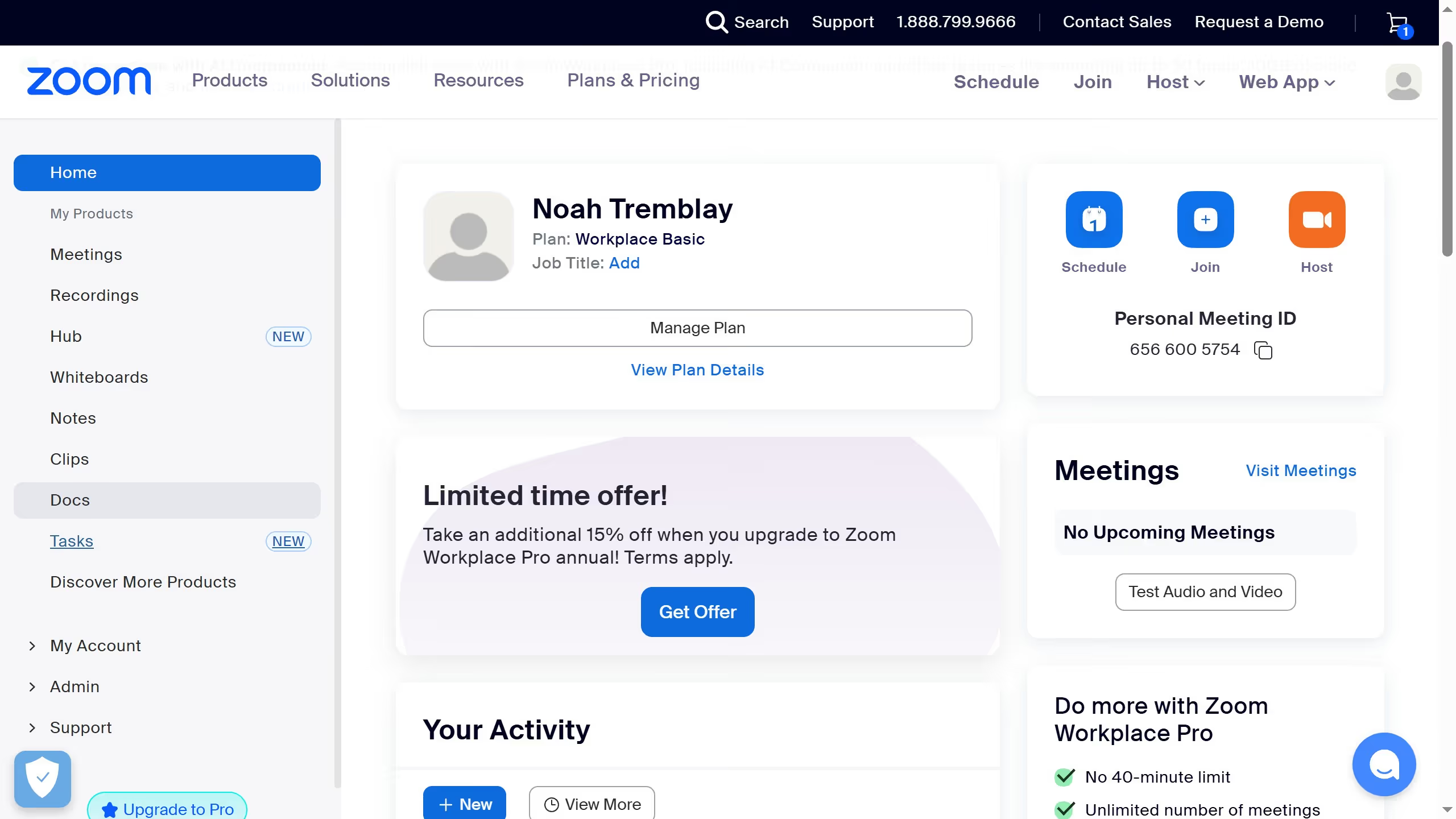
Here is how to add the task id column in zoom
- First click on the "Tasks" option in the left sidebar menu
- Then click on the "My tasks" section in the left panel
- Next click on the "Column settings" icon in the top-right corner of the task list
- Then enable the "ID" toggle switch in the column settings panel
- Finally click the "Confirm" button to apply the table settings changes