How to disable wrap code in a code block in Zoom Docs
Here is how to disable wrap code in a code block in zoom docs
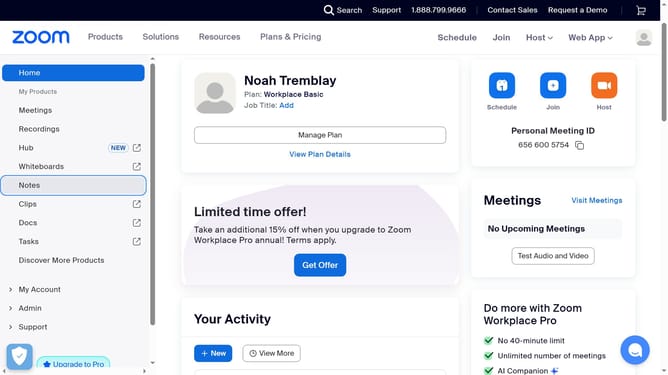
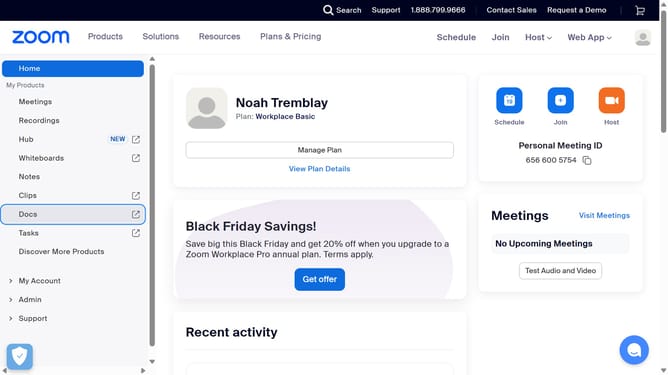
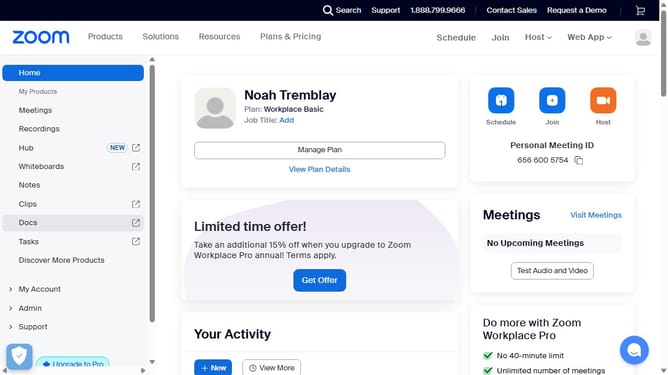
- First click on the "Docs" option in the left sidebar menu
- Then open the document containing the code block you want to edit
- Next click anywhere inside the code block to activate the editor
- Then click on the "More" menu button in the top-right corner of the code block
- Finally toggle off the "Wrap code" switch in the code block settings menu
Why should you disable wrap code in a code block in Zoom Docs
Zoom is a versatile platform designed to enhance virtual collaboration.
In Zoom Docs, the ability to disable code wrapping in a code block allows developers to view and edit code snippets in their original formats. This feature preserves the integrity of the code's structure, making it easier to read and debug without the interruptions of wrapped lines.
Utilizing this option fosters a more efficient coding environment. It is especially beneficial during collaborative coding sessions where clarity and precision in code presentation can significantly impact productivity.
By ensuring that lines of code remain in a single line, Zoom Docs supports better alignment with standard coding practices, enhancing users' overall experience.
Last update