Zoom
Zoom is a unified communications platform for video, phone, chat, and webinars. It helps teams connect, collaborate, and boost productivity with powerful, intuitive tools.
Website
Industry
Collaboration
Share this article:

How to remove background in Zoom

Here is how to remove background in zoom

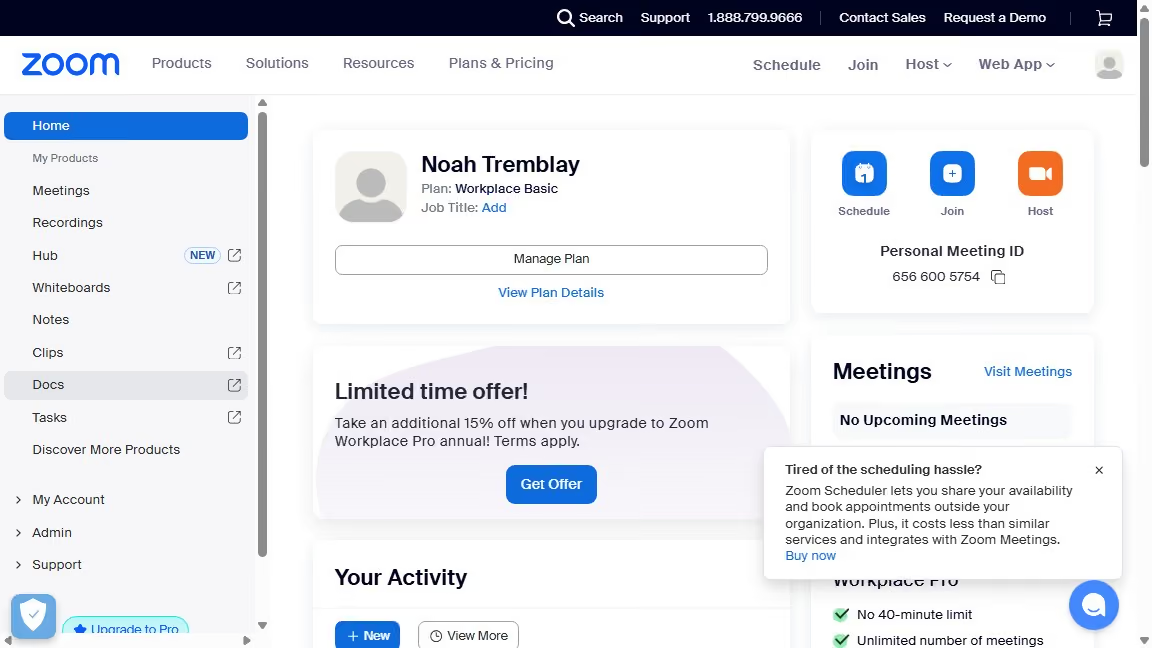
  1. First click on the profile icon in the top-right corner of the Zoom Workplace interface
  2. Then click on the "Settings" option in the dropdown menu
  3. Next click on "Video & effects" in the left sidebar menu
  4. Then click on the "Virtual backgrounds" tab in the video settings panel
  5. Finally click on the "None" option under the Virtual backgrounds section to remove the background

Create your own interactive guide with Guideflow

Why should you remove background in Zoom

Zoom is a powerful video conferencing tool designed to keep us connected from anywhere in the world.

A noteworthy feature of Zoom is the ability to remove or change your background. This enhances your privacy and ensures a neat, professional appearance in any setting.

Using this feature can significantly boost your video conferencing experience, allowing you to seamlessly eliminate distractions and maintain focus during important meetings.

Ultimately, it offers a simple yet effective way to present your best self, no matter where you are.


Last update
February 3, 2026
Cursor MariaA cursor points to a button labeled "James."

Create your first demo in less than 30 seconds.