Zoom
Zoom is a unified communications platform for video, phone, chat, and webinars. It helps teams connect, collaborate, and boost productivity with powerful, intuitive tools.
Website
Industry
Collaboration
Share this article:

How to add a list to a task in Zoom

Here is how to add a list to a task in zoom

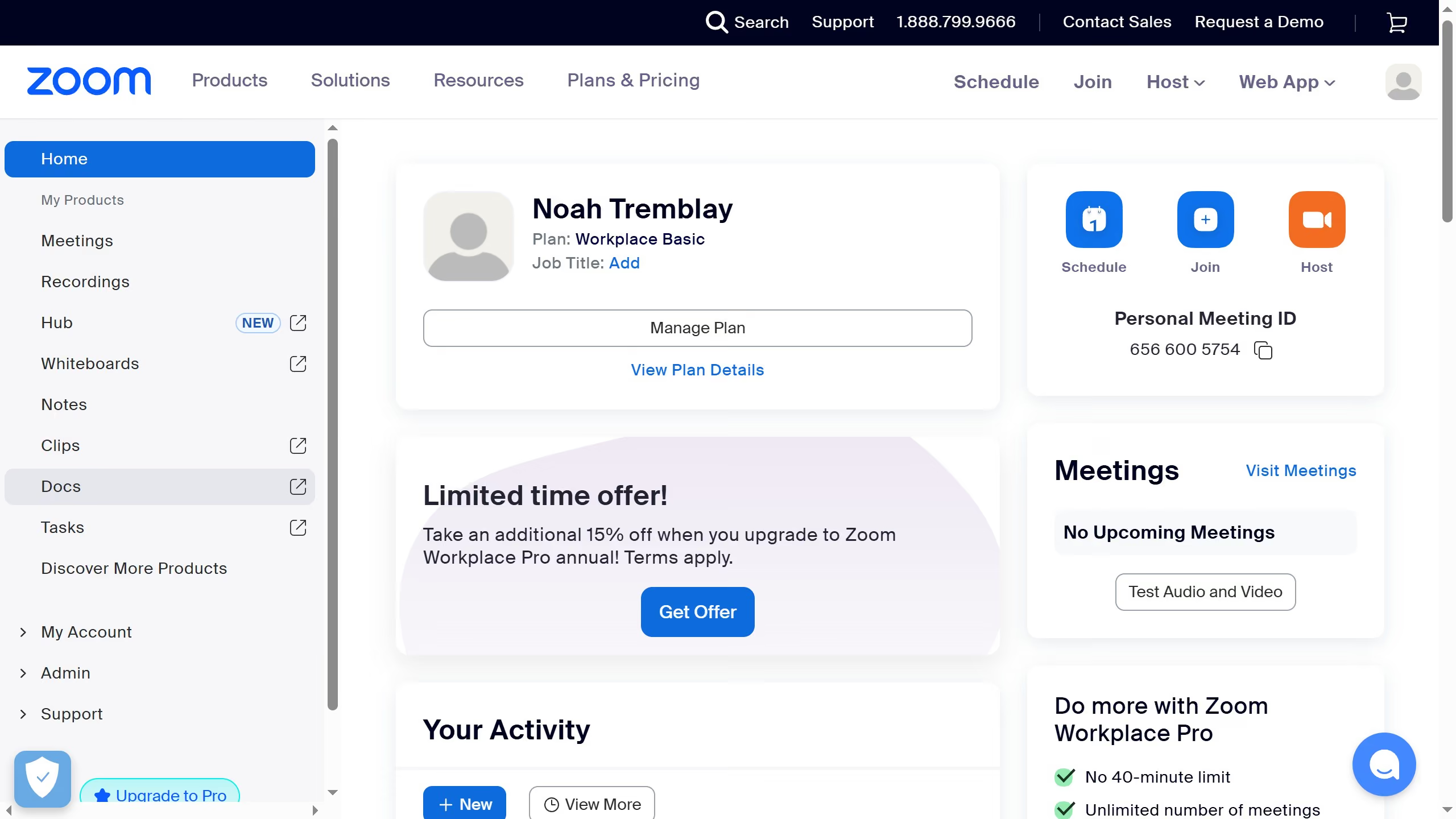
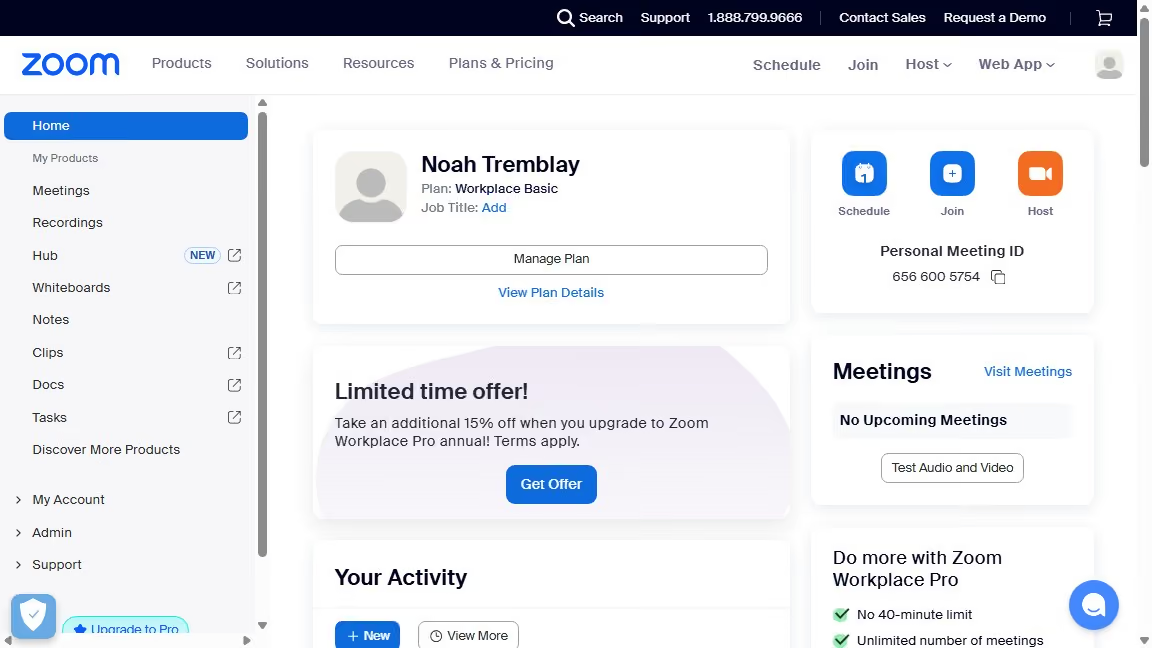
  1. First click on "Tasks" in the left sidebar menu
  2. Then click on "My tasks" in the left panel task list
  3. Next select the task you want to add a list to from the task list
  4. Then click on "Add to lists" button in the task details popup
  5. Finally choose the list you want to assign the task to from the dropdown options

Create your own interactive guide with Guideflow

Why should you add a list to a task in Zoom

Zoom is a dynamic platform designed to enhance virtual communication and collaboration.

The ability to add a list to a task streamlines workflow organization and ensures comprehensive task management.

This feature allows you to break down complex tasks into manageable components, fostering clarity and enhancing productivity.

By visually organizing tasks, team members gain a clear understanding of their responsibilities and deadlines, leading to a more synchronized team effort.

Last update
February 3, 2026
Cursor MariaA cursor points to a button labeled "James."

Create your first demo in less than 30 seconds.