How to remove a document from favorites in Zoom Docs
Here is how to remove a document from favorites in zoom docs
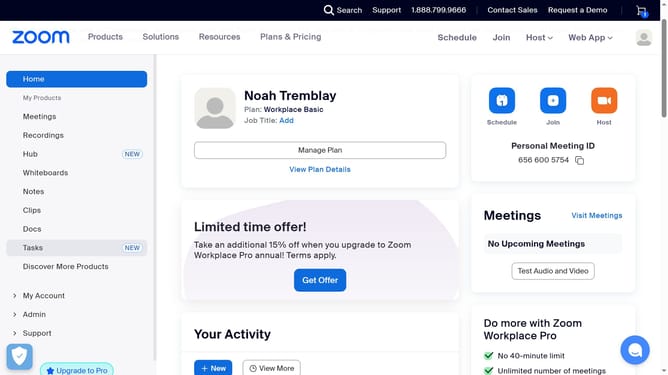
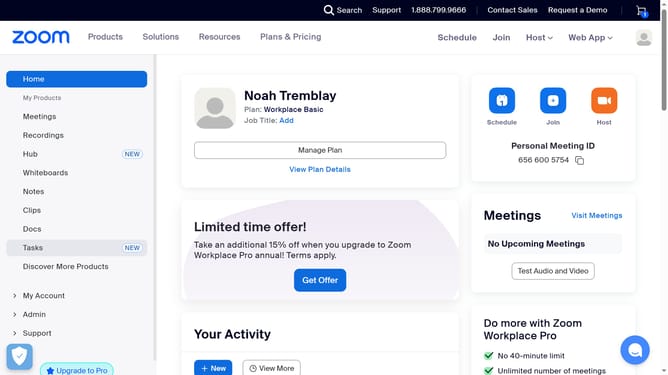
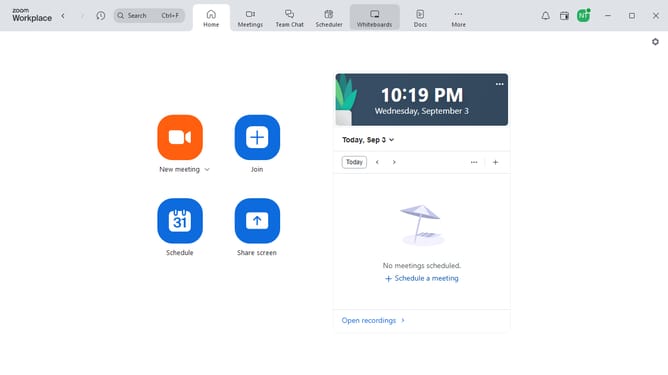
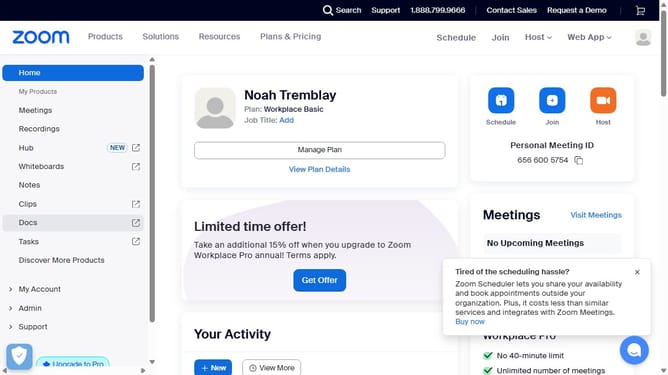
- First click on the "Docs" option in the left sidebar menu
- Then click on "Starred" in the left navigation panel
- Next hover over the document you want to remove from favorites
- Finally click the "Star" icon again to unmark it and remove it from your favorites list
Why should you remove a document from favorites in Zoom Docs
Zoom is a revolutionary platform that enhances virtual connection and collaboration globally.
Efficient organization of documents is crucial, and Zoom Docs’ feature to unfavorite documents provides just the tool you need.
Removing a document from your favorites list helps maintain a streamlined workflow by reducing clutter and keeping your workspace focused on current priorities.
This feature makes sure your most important documents are readily accessible, enhancing productivity and clarity in your daily tasks.
Last update