How to add custom cover in Zoom Docs
Here is how to add custom cover in zoom docs
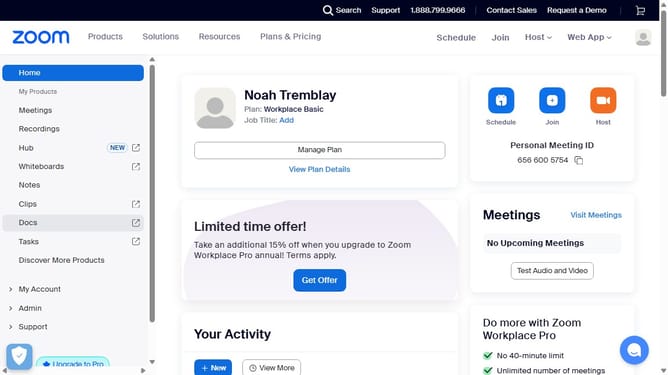
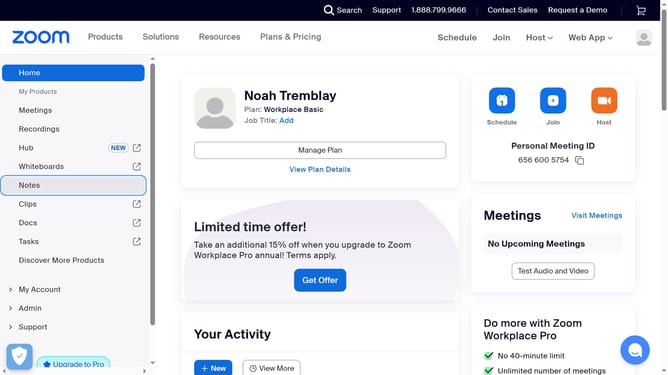
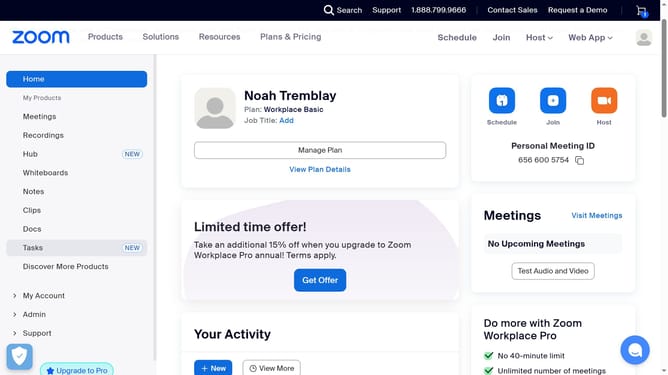
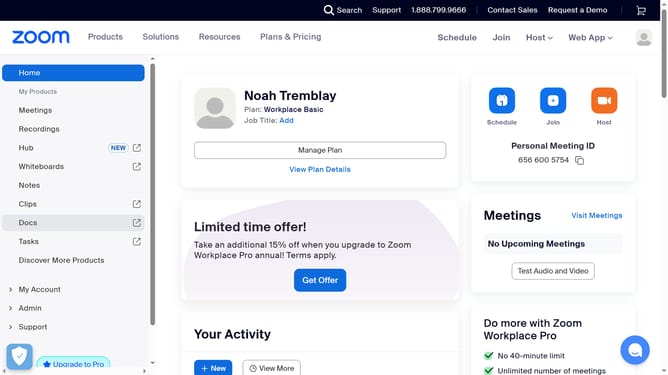
- First click on the "Docs" option in the left sidebar menu
- Then open the document where you want to upload a new cover
- Next hover over the current cover image and click the "Change cover" button
- In the menu that appears, click on the "Upload" tab
- Finally select an image file from your device to upload it as the new document cover
Why should you add custom cover in Zoom Docs
Zoom is the go-to platform for seamless virtual communication and collaboration.
One exciting feature in Zoom Docs is the ability to add a custom cover. This feature enables you to personalize your documents, making them visually engaging and aligned with your brand or project's aesthetic.
Using custom covers allows you to present your documents professionally, which can enhance readability and create a strong first impression. It's a simple yet effective way to make your content stand out and resonate more deeply with your audience.
Last update