How to disable estimated read time in Zoom Docs
Here is how to disable estimated read time in zoom docs
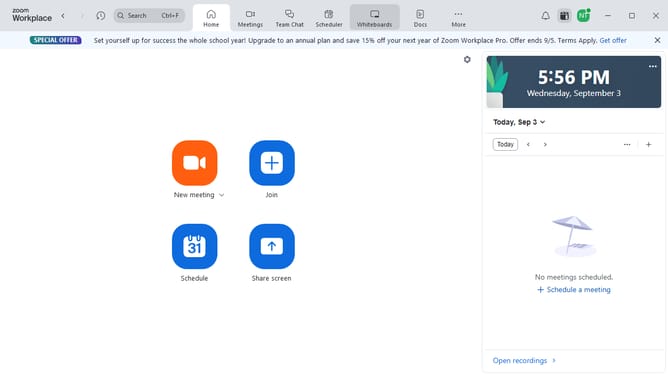
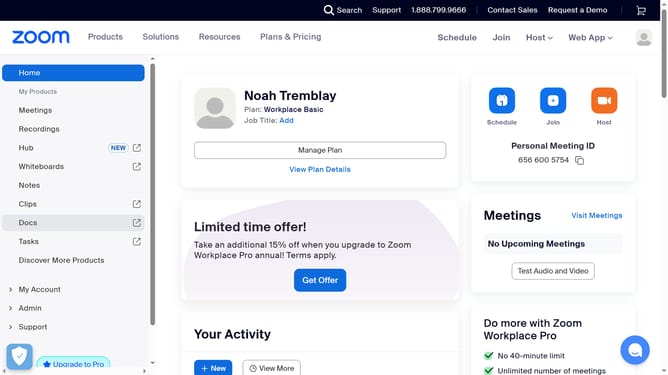
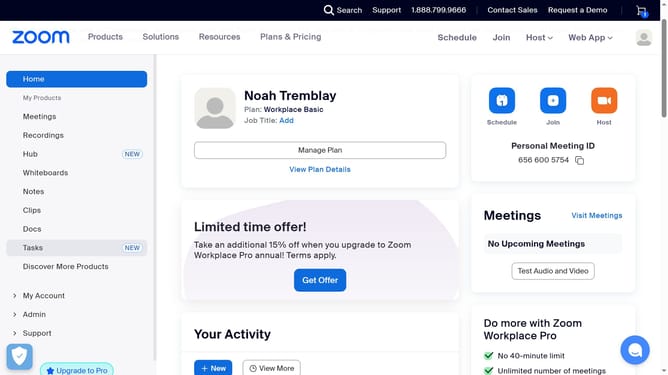
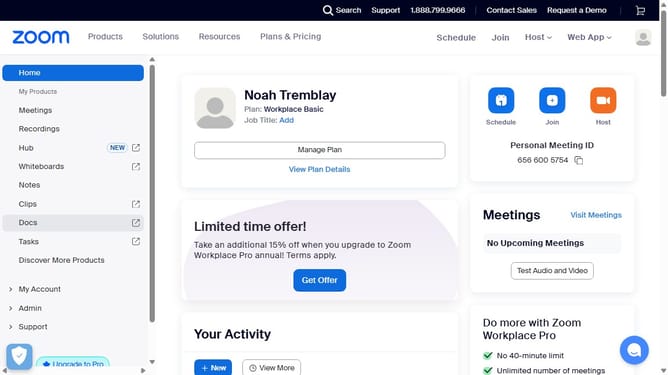
- First click on the "Docs" option in the left sidebar menu
- Then open the document where you want to disable the estimated read time
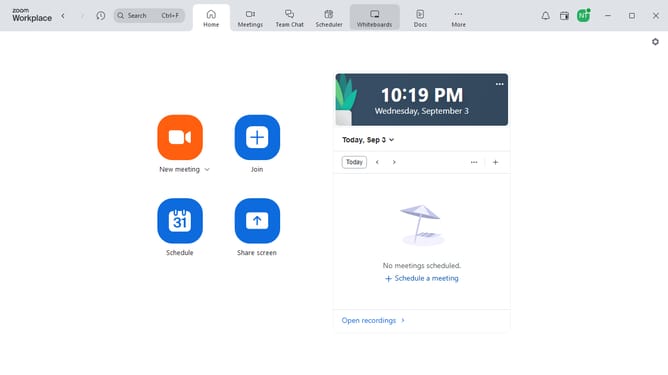
- Next click on the "More" menu button in the top toolbar
- Then select "Page options" from the dropdown menu
- Finally turn off the "Estimated read time" toggle to hide it from the document header
Why should you disable estimated read time in Zoom Docs
Zoom is a versatile platform designed to facilitate seamless communication and document collaboration.
Disabling the estimated read time in Zoom Docs can enhance your document experience by removing potential distractions. This feature allows users to focus entirely on the content without the pressure of a ticking clock looming over them.
By opting to disable estimated read time, you empower yourself to engage with the material at your own pace, fostering a more personalized and comfortable reading environment.
For those seeking a more streamlined and focused document interface, this simple adjustment can markedly improve the user experience.
Last update