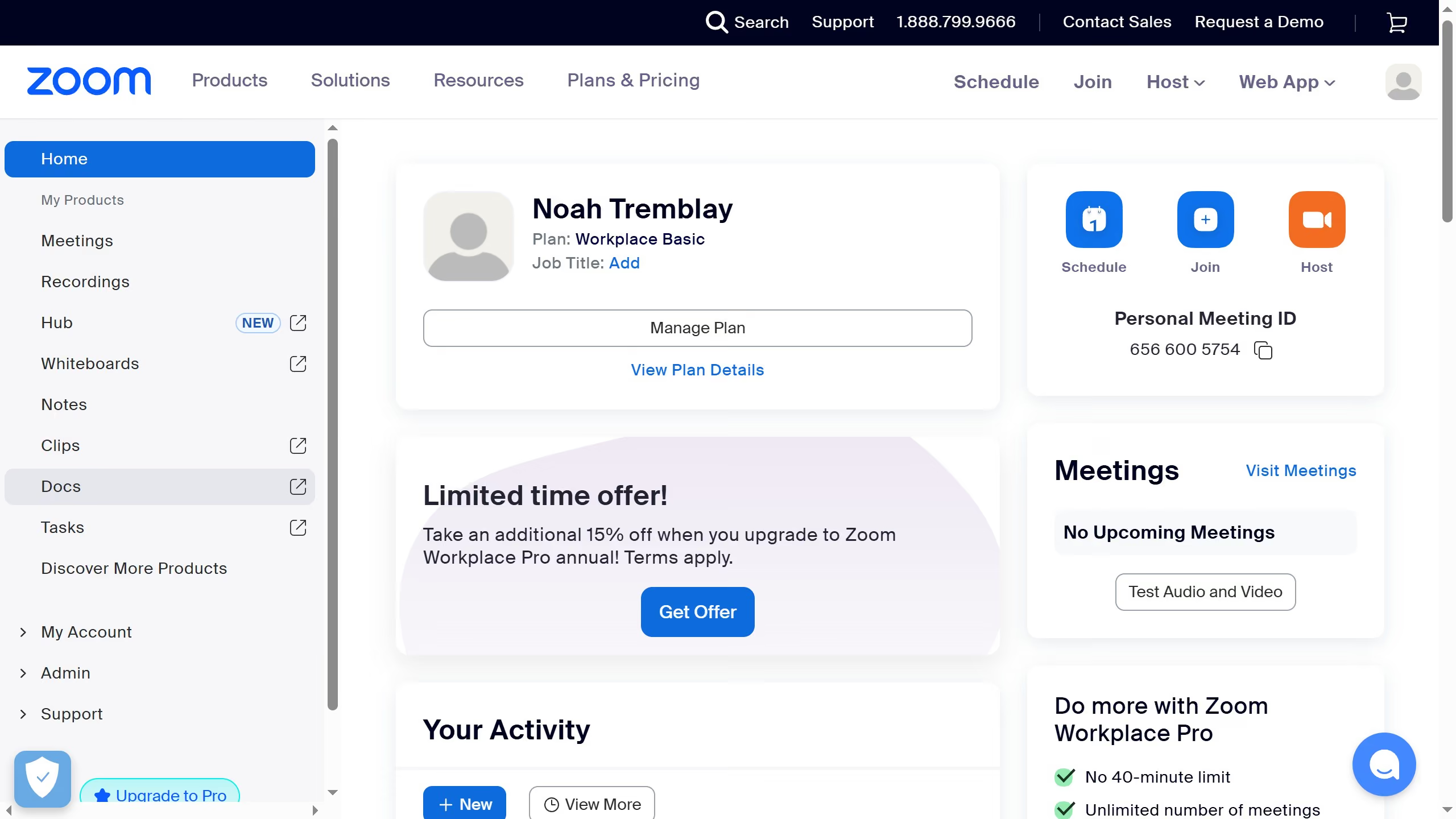
Here is how to add a due date item in zoom docs
- First click on the "Docs" option in the left sidebar menu
- Then open the document where you want to add a due date item
- Next click on the "More" menu in the top toolbar and select "Date or reminder" option
- Select "Date or reminder" option from the dropdown menu
- In the calendar popup, choose a date to set as the due date
- Finally choose a reminder for your selected date to help you keep track of the due date