Zoom
Zoom is a unified communications platform for video, phone, chat, and webinars. It helps teams connect, collaborate, and boost productivity with powerful, intuitive tools.
Website
Industry
Collaboration
Share this article:

How to export a note as PDF in Zoom

Here is how to export a note as pdf in zoom

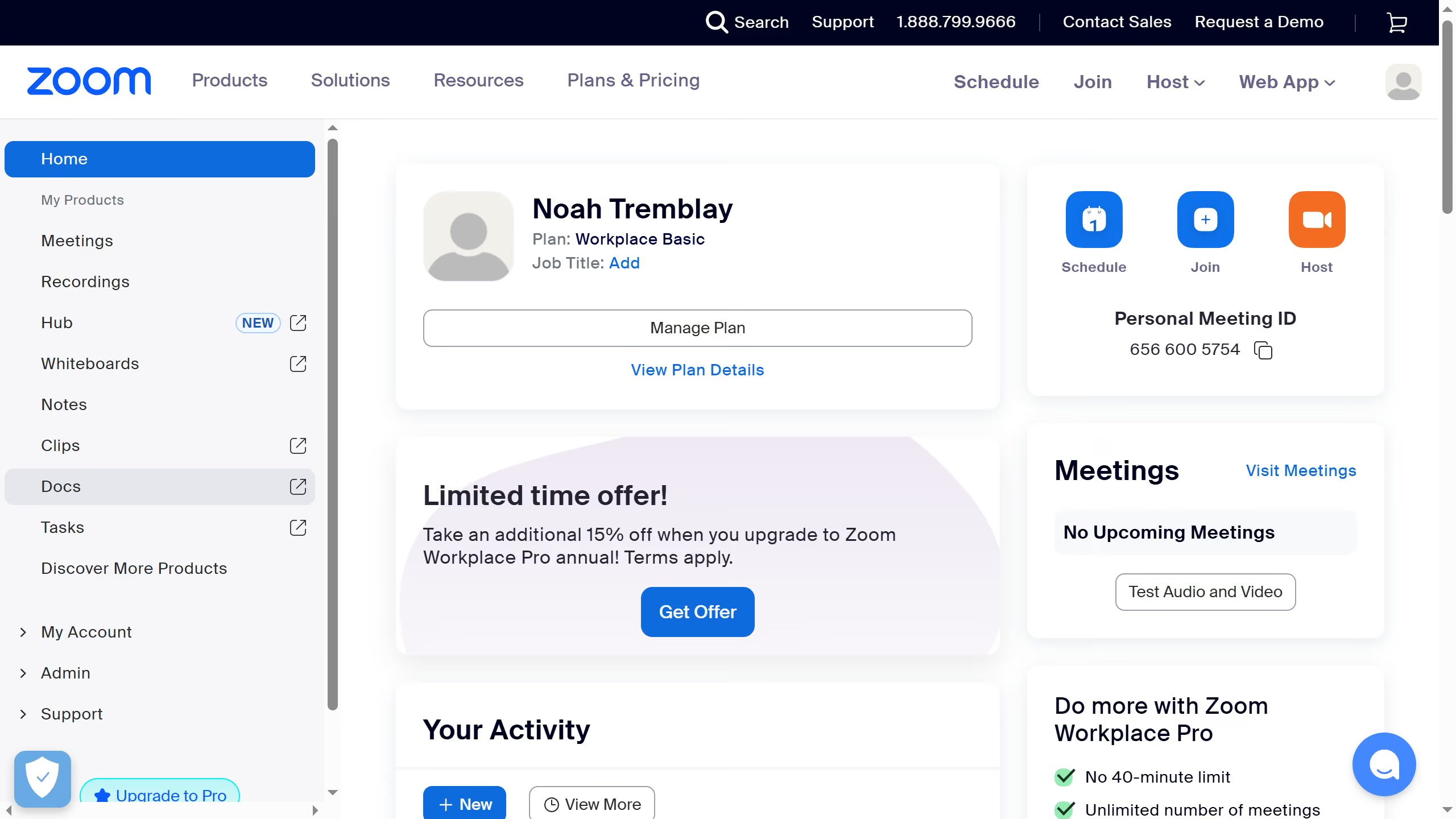
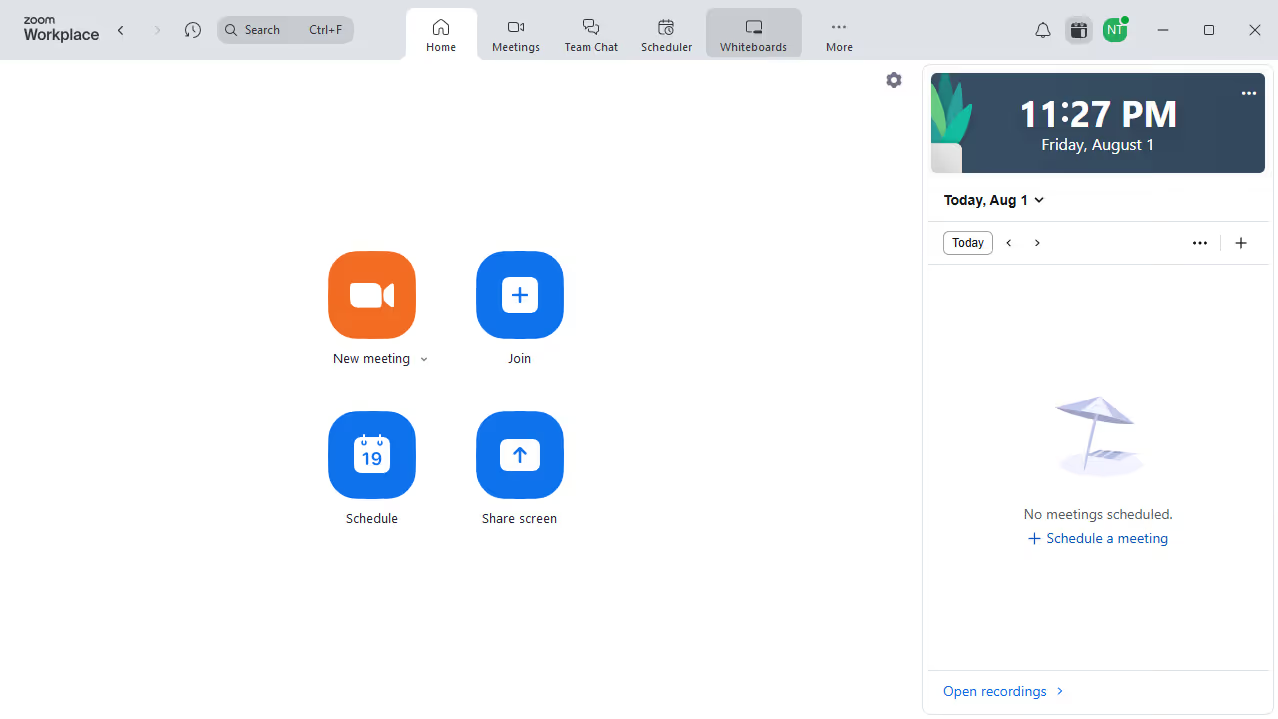
  1. First click on the "Notes" option in the left sidebar menu
  2. Then open or create a note you want to edit
  3. Next click on the "More" menu button in the top-left corner of the note
  4. Then select the "Export" option from the dropdown menu
  5. Finally click on the "Export" button in the export dialog to download your note as a PDF file

Create your own interactive guide with Guideflow

Why should you export a note as PDF in Zoom

Zoom is a dynamic platform designed to facilitate seamless virtual communication and collaboration.

Exporting a note as a PDF in Zoom allows you to easily share meeting insights and discussions. This feature ensures that important points are preserved in a universally accessible format.

Using the PDF export option, you can maintain consistency in information dissemination, providing team members with clear, organized notes.

The ability to export notes efficiently elevates your productivity, making collaborative tasks more effective and inclusive.


Last update
February 3, 2026
Cursor MariaA cursor points to a button labeled "James."

Create your first demo in less than 30 seconds.