Zoom
Zoom is a unified communications platform for video, phone, chat, and webinars. It helps teams connect, collaborate, and boost productivity with powerful, intuitive tools.
Website
Industry
Collaboration
Share this article:

How to align text to the center in a table cell in Zoom Docs

Here is how to align text to the center in a table cell in zoom docs

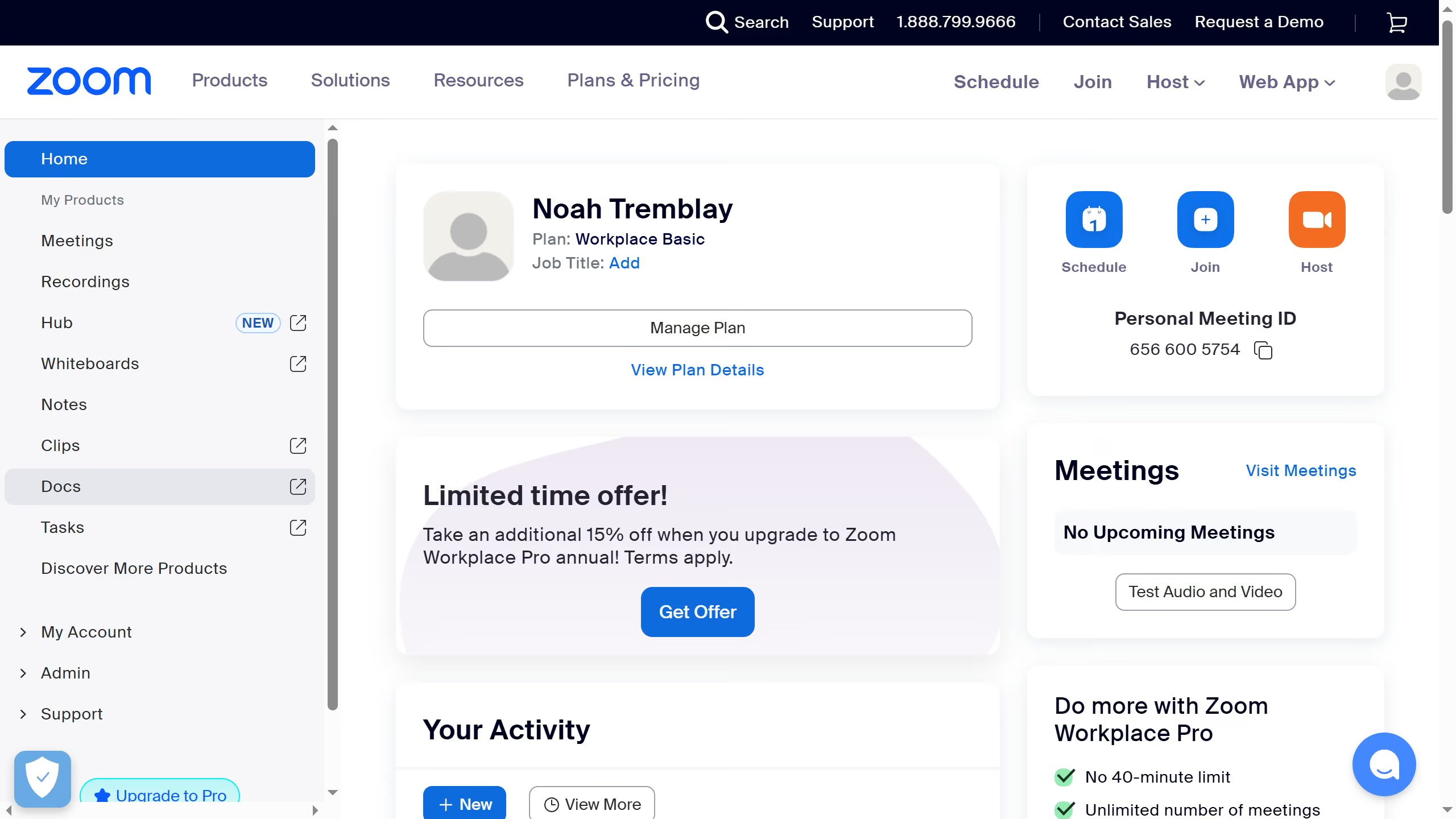
  1. First click on "Docs" in the left sidebar menu
  2. Then open the document containing the table you want to edit
  3. Next right-click inside the table cell that contains the text you want to align
  4. Next click on "Alignment & indent" option in the context menu
  5. Finally select "Center align" from the alignment submenu

Create your own interactive guide with Guideflow

Why should you align text to the center in a table cell in Zoom Docs

Zoom, a renowned platform, excels in facilitating seamless virtual communication and collaboration.

In Zoom Docs, centering text within a table cell enhances the aesthetic and readability of your document. This feature ensures that your data presentation is not only neat but also professional-looking. Such alignment brings symmetry, making it easier for viewers to focus on and interpret the content efficiently.

By utilizing this feature, users can achieve a polished document presentation that stands out while maintaining a user-friendly and organized appeal. It's an essential for professionals aiming for clarity and visual harmony in their documentation.


Last update
February 3, 2026
Cursor MariaA cursor points to a button labeled "James."

Create your first demo in less than 30 seconds.