How to change cover in Zoom Docs
Here is how to change cover in zoom docs
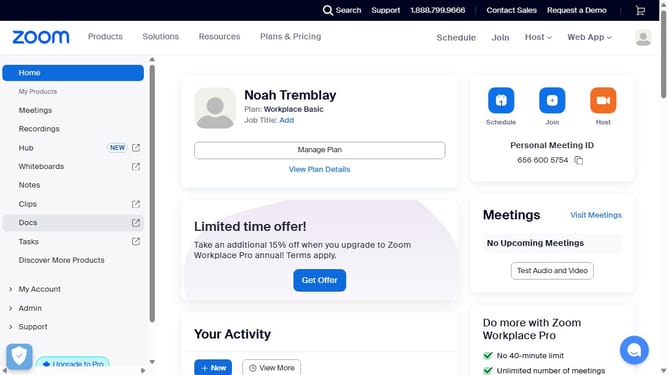
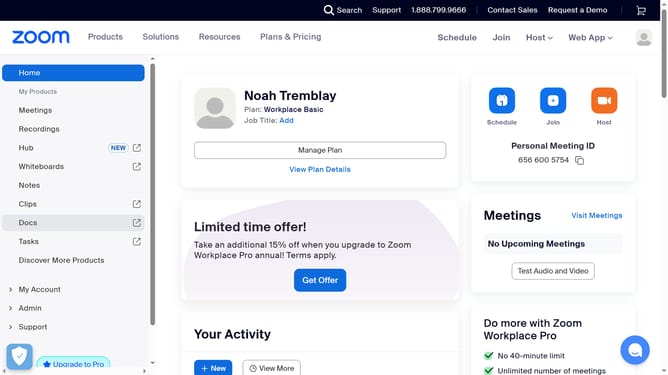
- First click on the "Docs" option in the left sidebar menu
- Then open the document where you want to change the cover
- Then click the "Change cover" button that appears over the current cover image
- Finally choose a new image from the available options or upload your own to replace the cover
Why should you change cover in Zoom Docs
Zoom is a versatile platform designed to simplify communication and collaboration.
Changing the cover in Zoom Docs offers a personalized way to enhance document presentation. This feature allows users to infuse creativity, fostering a more engaging viewer experience.
Utilizing this functionality helps in creating a distinctive impression, making your documents not only informative but visually appealing.
It's an effortless touch that adds an element of professionalism and style, making your content stand out.
Last update