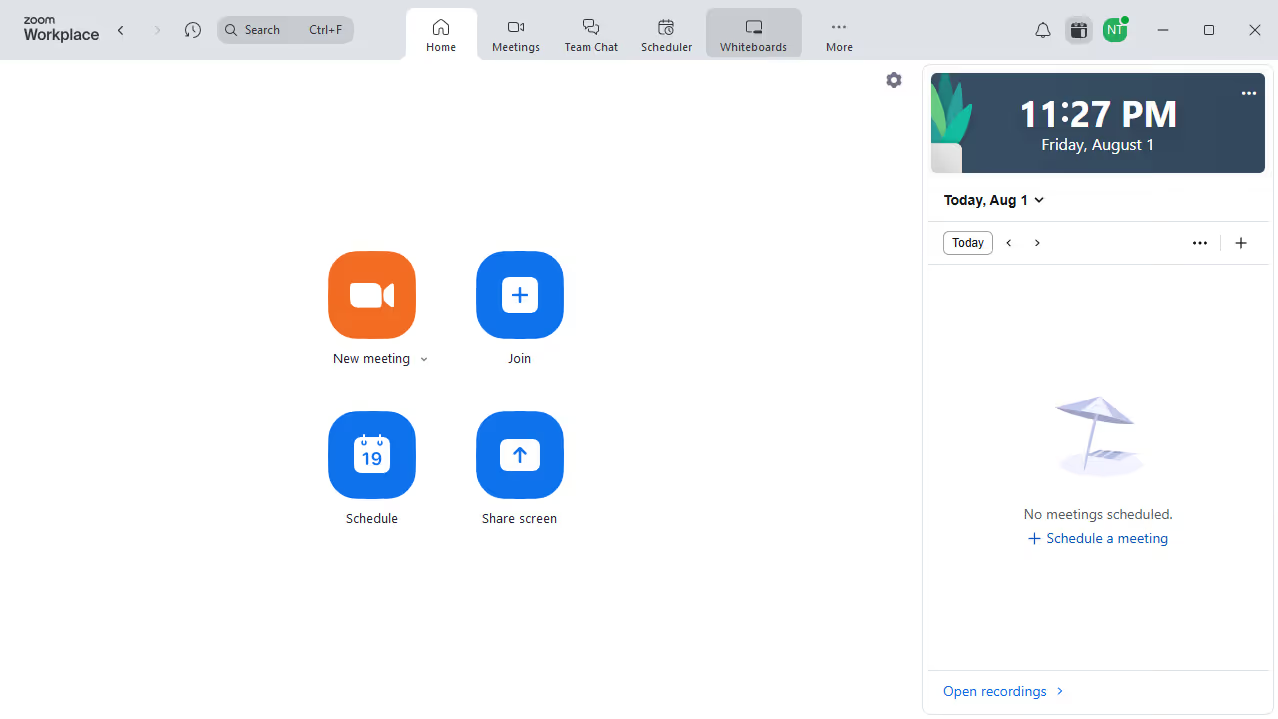
Here is how to sort documents by name in zoom docs
- First click on the "Docs" option in the left sidebar menu
- Then click on "My docs" in the left navigation panel
- Finally click on the "Name" column header to sort the documents by name


Create your own interactive guide with Guideflow
Zoom is a versatile platform that brings people together through video communication, fostering collaboration.
In Zoom Docs, sorting documents by name is a feature that simplifies document management by allowing users to organize their files effortlessly.
This feature is particularly beneficial when you need to quickly locate a specific document amidst a vast collection, enhancing efficiency and productivity.
Streamlining your document navigation ensures that collaboration with team members is smooth and seamless, saving valuable time and effort.
Why leading companies build with Guideflow