Zoom
Zoom is a unified communications platform for video, phone, chat, and webinars. It helps teams connect, collaborate, and boost productivity with powerful, intuitive tools.
Website
Industry
Collaboration
Share this article:

How to show completed tasks in Zoom

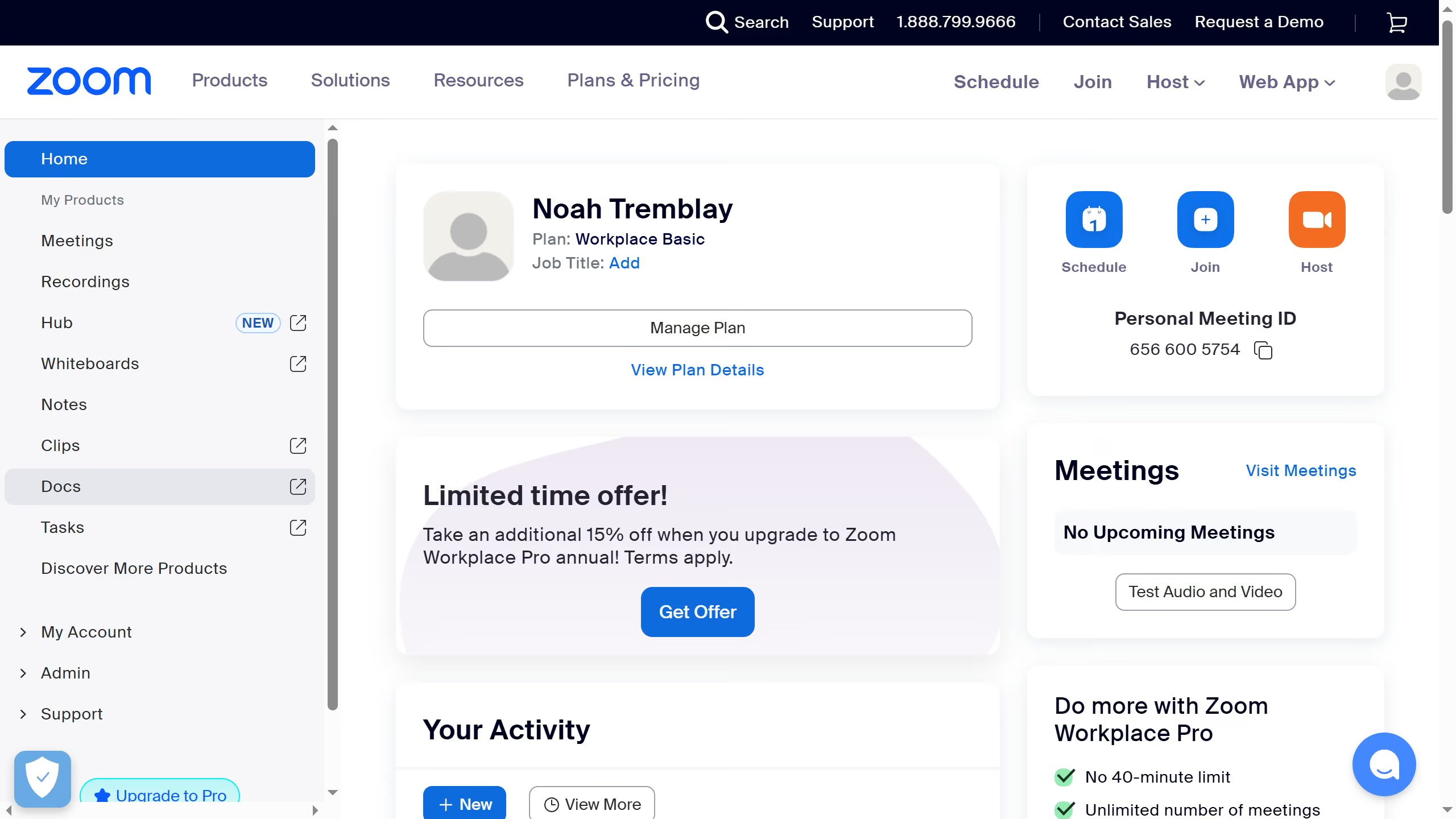
Here is how to show completed tasks in zoom

  1. First click on the "Tasks" option in the left sidebar menu
  2. Then click on "All tasks" in the left sidebar under Tasks section
  3. Next click on the filter icon in the top-right corner of the tasks list
  4. Finally select "Completed tasks" from the dropdown menu to display all completed tasks

Create your own interactive guide with Guideflow

Why should you show completed tasks in Zoom

Zoom is a versatile communication platform designed to seamlessly connect individuals and teams across the globe through video, voice, and collaboration tools.

Among Zoom's many features is the ability to manage and review completed tasks, an invaluable asset for both personal and professional productivity. By showcasing completed tasks, users gain insight into their progress and can prioritize upcoming responsibilities more effectively.

Additionally, visualizing completed tasks serves as a motivational tool, encouraging team members and individuals alike to achieve continuous improvement and efficiency in their workflows.


Last update
February 3, 2026
Cursor MariaA cursor points to a button labeled "James."

Create your first demo in less than 30 seconds.