Zoom
Zoom is a unified communications platform for video, phone, chat, and webinars. It helps teams connect, collaborate, and boost productivity with powerful, intuitive tools.
Website
Industry
Collaboration
Share this article:

How to enable line numbers in a code block in Zoom Docs

Here is how to enable line numbers in a code block in zoom docs

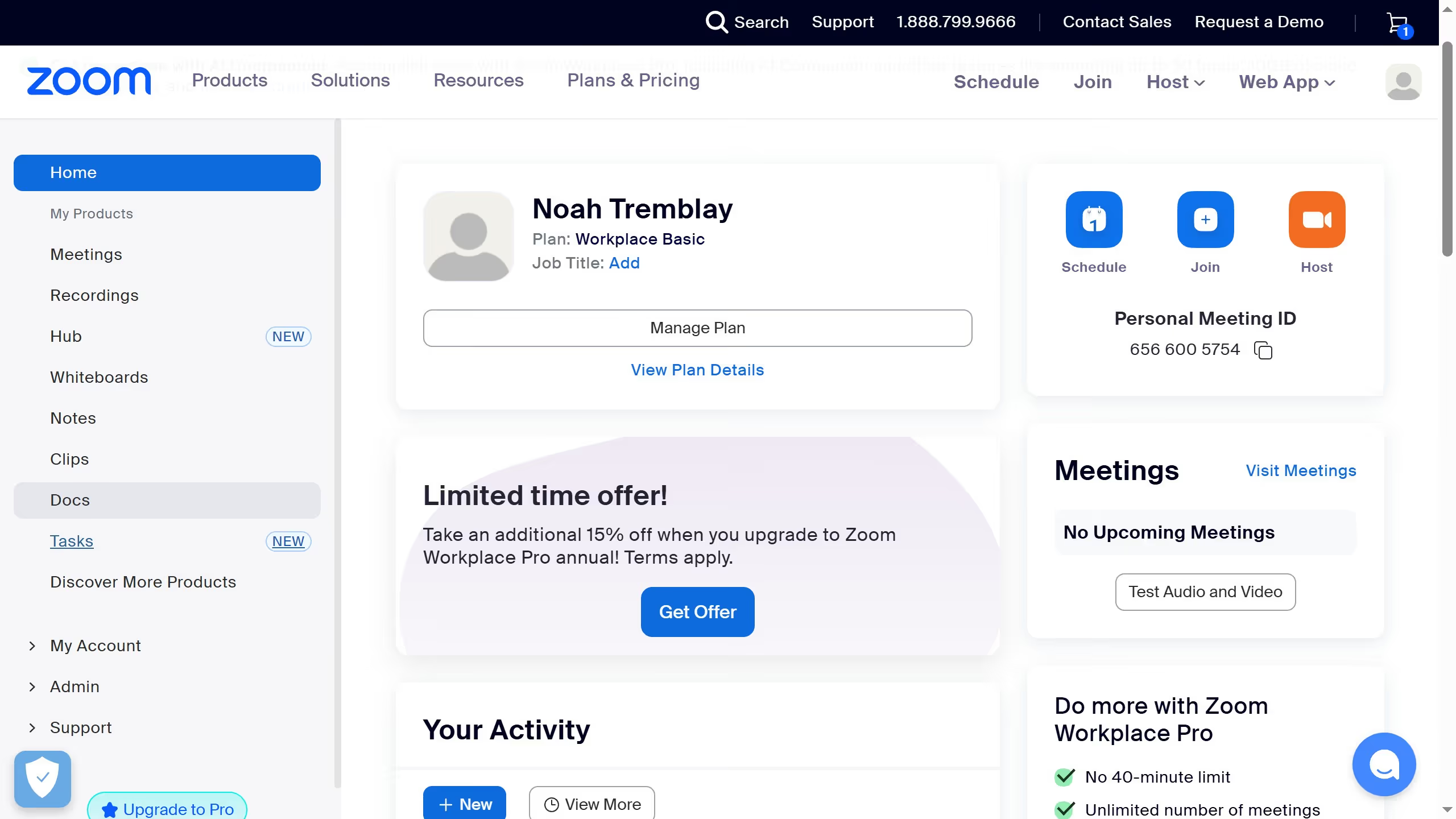
  1. First click on the "Docs" option in the left sidebar menu
  2. Then open the document containing the code block you want to edit
  3. Next click anywhere inside the code block to activate the editor
  4. Then click on the "More options" button (three dots) in the code block toolbar
  5. Finally toggle the "Line number" switch in the code block settings menu

Create your own interactive guide with Guideflow

Why should you enable line numbers in a code block in Zoom Docs

Zoom is a powerful tool designed to bridge the gap between people, offering seamless communication and collaboration experiences.

Within Zoom Docs, enabling line numbers in a code block elevates the practicality of sharing and reviewing code snippets.

This feature is invaluable for developers and team members who need to reference and discuss specific lines of code efficiently.

By providing clearer navigation and communication, line numbers enhance productivity and minimize errors during collaborative coding sessions.


Last update
May 29, 2026
Cursor MariaA cursor points to a button labeled "James."

Create your first demo in less than 30 seconds.