Zoom
Zoom is a unified communications platform for video, phone, chat, and webinars. It helps teams connect, collaborate, and boost productivity with powerful, intuitive tools.
Website
Industry
Collaboration
Share this article:

How to remove the task Attachments column in Zoom

Here is how to remove the task attachments column in zoom

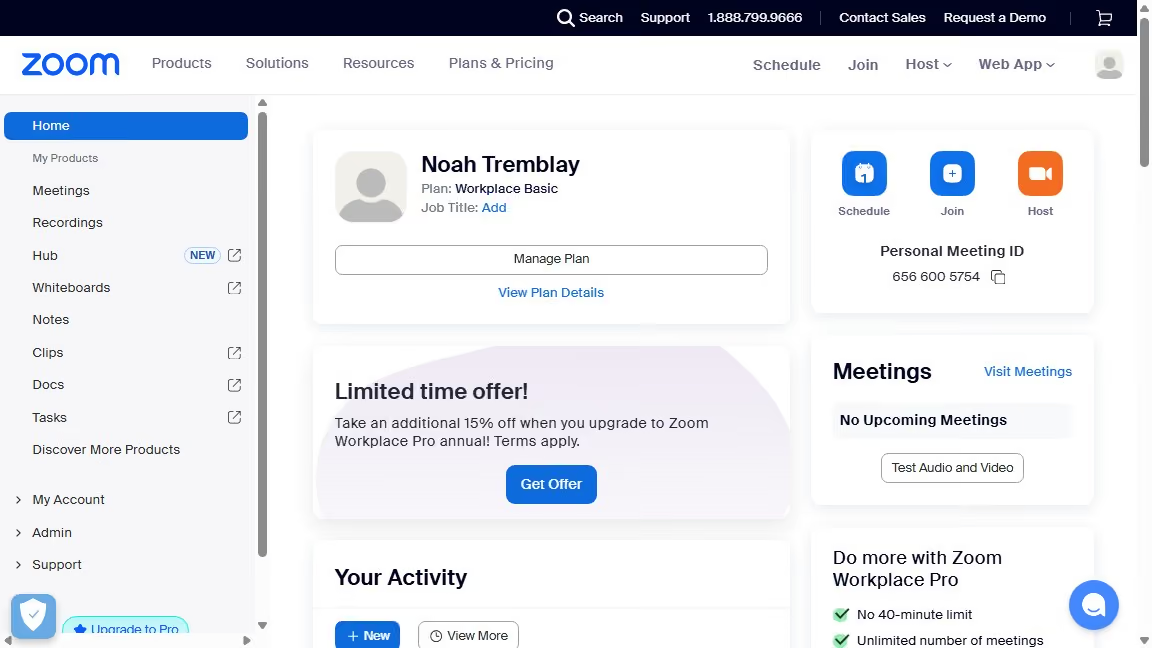
  1. First click on "Tasks" item in the left sidebar
  2. Then click on the "My tasks" section in the left sidebar submenu
  3. Next click on the "Column settings" icon in the top-right corner of the tasks view
  4. Then disable the "Attachments" toggle switch in the column settings panel
  5. Finally click the "Confirm" button to apply the column settings changes

Create your own interactive guide with Guideflow

Why should you remove the task Attachments column in Zoom

Zoom, a versatile communication platform, simplifies virtual meetings and collaborations worldwide.

The ability to remove the task Attachments column in Zoom streamlines your workspace, reducing clutter and enhancing focus. This feature allows for a more organized view by keeping task priorities clear and manageable.

Utilizing this function not only promotes efficiency but also creates a more enjoyable and less overwhelming experience during meetings or project management activities. Embrace a cleaner interface to promote productivity.


Last update
February 3, 2026
Cursor MariaA cursor points to a button labeled "James."

Create your first demo in less than 30 seconds.