How to remove cover in Zoom Docs
Here is how to remove cover in zoom docs
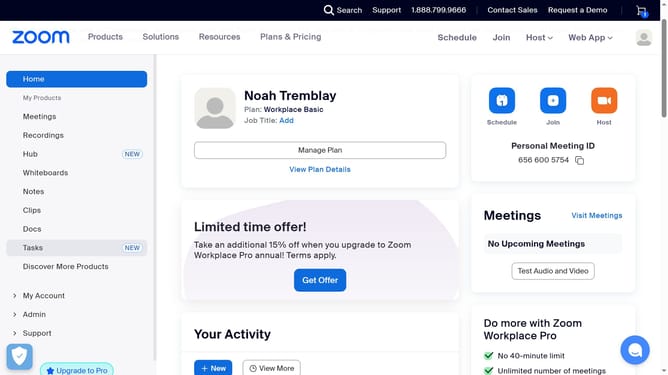
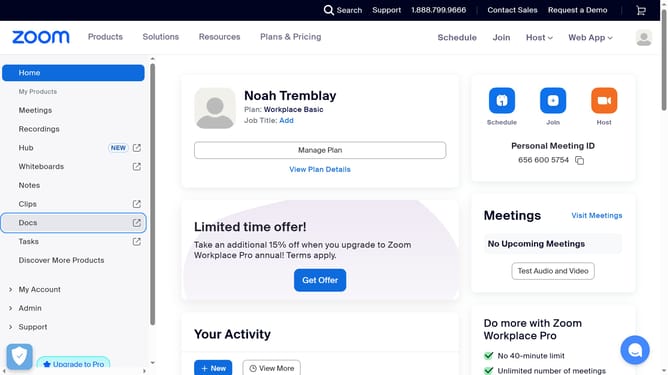
- First click on the "Docs" option in the left sidebar menu
- Then open the document where you want to remove the cover
- Next hover over the current cover image and click the "Change cover" button
- In the menu that appears, click on the "Remove" option
Why should you remove cover in Zoom Docs
Zoom is a versatile platform designed to facilitate seamless virtual communication and collaboration.
The "Remove Cover" feature in Zoom Docs enhances document customization by allowing users to tailor their presentation.
Using this feature, users can achieve a cleaner and more professional-looking document, ensuring that it suits specific requirements or audiences.
This customization not only simplifies the sharing process but also helps in maintaining a focused narrative, boosting clarity and engagement in any collaborative work.
Last update