Zoom
Zoom is a unified communications platform for video, phone, chat, and webinars. It helps teams connect, collaborate, and boost productivity with powerful, intuitive tools.
Website
Industry
Collaboration
Share this article:

How to set theme to automatic in Zoom note

Here is how to set theme to automatic in zoom note

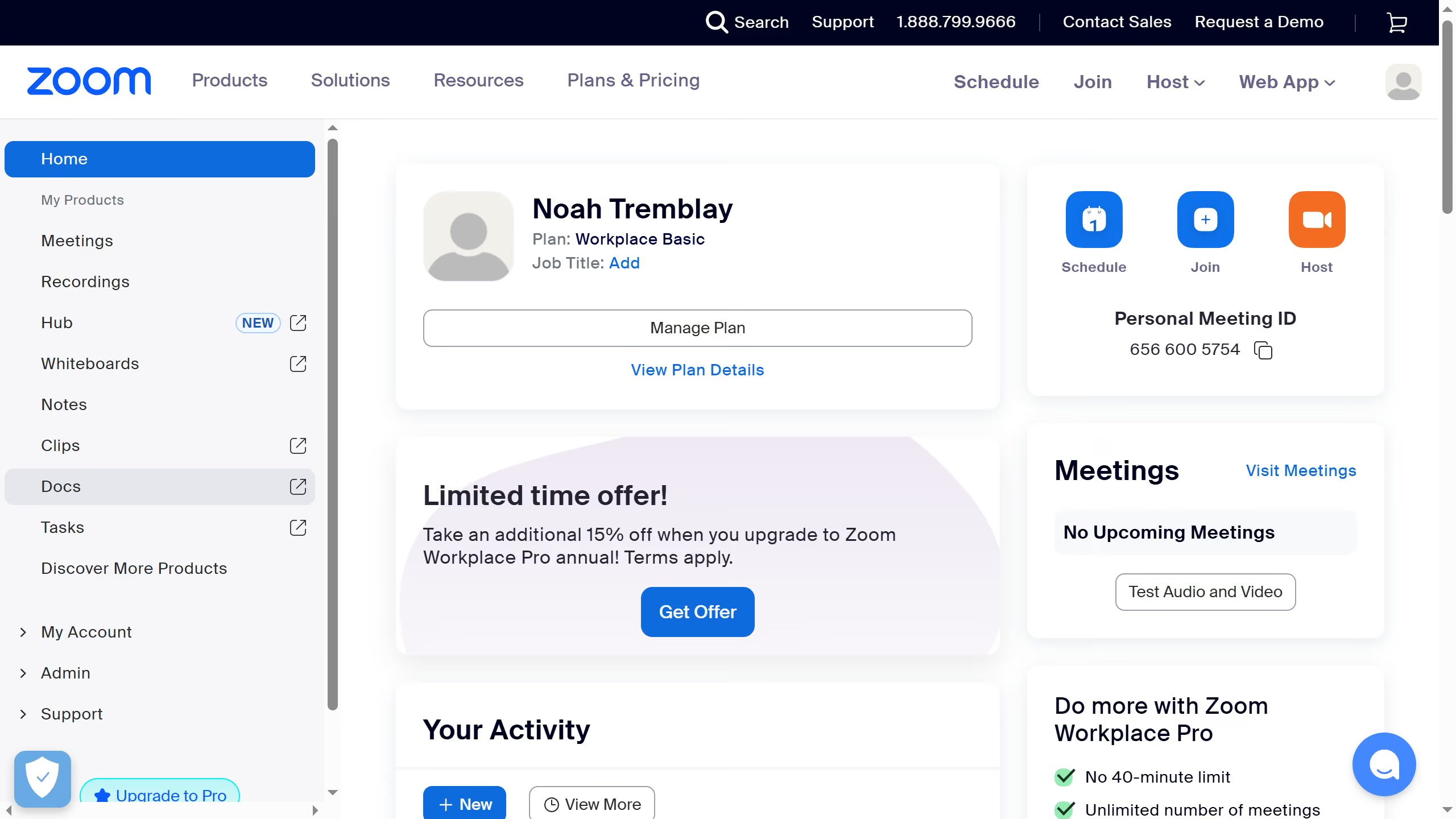
  1. First click on the "Notes" option in the left sidebar menu
  2. Then open or create a note you want to edit
  3. Next click on the "More" menu button
  4. Then select the "Appearance" option from the dropdown menu
  5. Finally click on the "Automatic" theme option in the appearance submenu

Create your own interactive guide with Guideflow

Why should you set theme to automatic in Zoom note

Zoom is a powerful communication tool designed for seamless virtual meetings and collaborations.

Setting the theme to automatic in Zoom enhances user experience by automatically adjusting the interface theme based on your device settings. This ensures that the transition between light and dark mode is smooth and intuitive, without the need for manual switching.

Using automatic theme settings can help reduce eye strain, particularly if you frequently alternate between other applications. Additionally, it ensures a consistent visual experience, making your virtual interactions more comfortable and efficient.


Last update
February 3, 2026
Cursor MariaA cursor points to a button labeled "James."

Create your first demo in less than 30 seconds.