How to hide cover in Zoom Docs
Here is how to hide cover in zoom docs
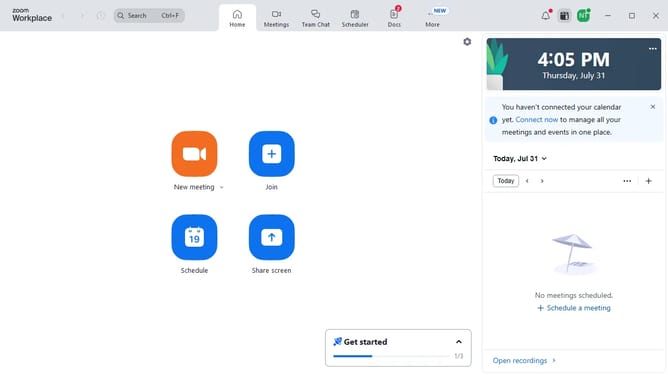
- First click on the "Docs" option in the left sidebar menu
- Then open the document where you want to hide the cover
- Next click on the "More" menu button in the top toolbar
- Then select "Page options" from the dropdown menu
- Finally turn off the "Cover" toggle to hide the document cover image
Why should you hide cover in Zoom Docs
Zoom, a leading platform for virtual communication, connects people from all corners of the globe seamlessly.
With Zoom Docs, the option to hide the cover page enhances user focus and streamlines document navigation. This feature is particularly beneficial for users keen on maintaining a distraction-free environment during presentations or key discussions.
By minimizing unnecessary clutter, participants can concentrate on the core content, ensuring that the message remains clear and impactful, ultimately leading to more productive and engaging meetings.
Last update