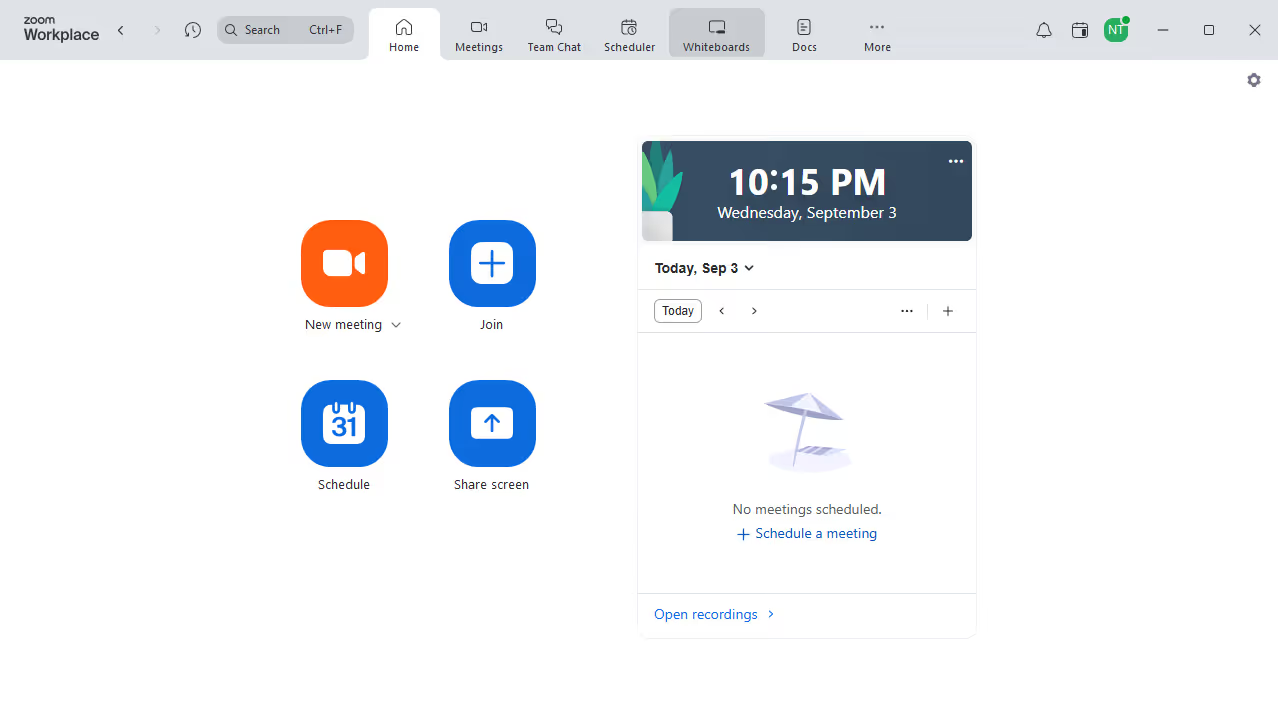
Here is how to find a task in zoom
- First click on the "Tasks" button in the top navigation bar
- Then click on the "Search" field in the tasks list view
- Finally type the task name or keyword related to the task you want to find


Create your own interactive guide with Guideflow
Zoom is a leading virtual communication platform that connects people through video, audio, and chat.
One of Zoom's handy features is its task management integration, which helps streamline workflow during meetings. By finding tasks directly within Zoom, team members can stay organized and focused on priorities.
This feature enhances collaboration by readily displaying what needs attention, reducing the risk of overlooking important duties. Seamlessly accessing tasks boosts productivity, ensuring no action item is missed, and meetings end with clear steps forward.
Why leading companies build with Guideflow