How to change the programming language for a code block in Zoom Docs
Here is how to change the programming language for a code block in zoom docs
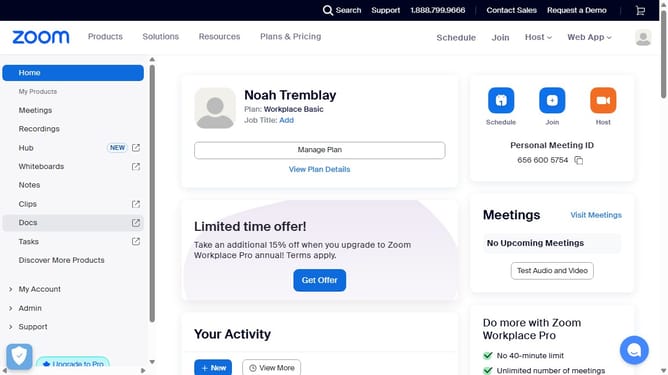
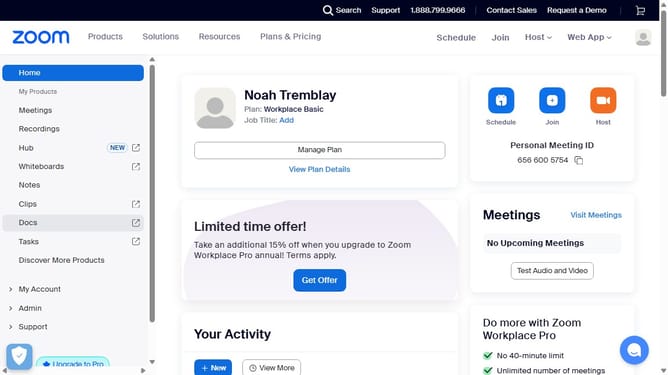
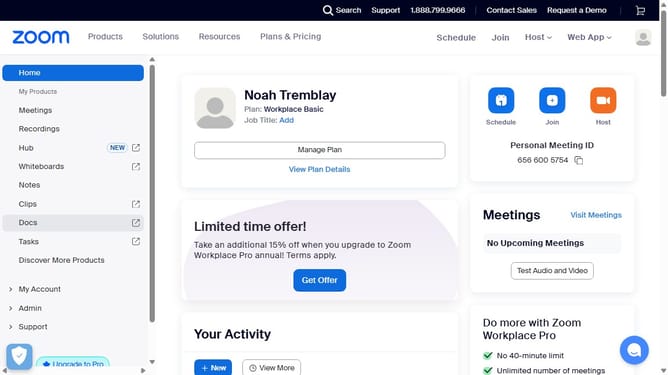
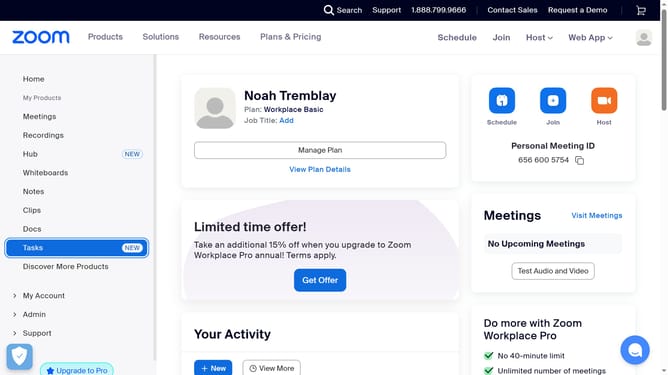
- First click on the "Docs" link in the left sidebar menu
- Then open the document containing the code block you want to edit
- Next click anywhere inside the code block to select it
- Then click on the "Language selection" dropdown menu in the top toolbar
- Select your desired programming language from the list of available options
- Finally click inside the code editor area to start editing your existing code
Why should you change the programming language for a code block in Zoom Docs
Zoom is a versatile platform that transforms how we communicate and collaborate across distances.
Within Zoom Docs, the ability to change the programming language for a code block enhances clarity and precision in technical documentation. This feature allows users to specify the language, making code segments easier to read and understand.
By identifying the programming language, such as Python or JavaScript, syntax highlighting is applied, reducing errors and streamlining collaborative efforts for developers and teams.
Last update