Zoom
Zoom is a unified communications platform for video, phone, chat, and webinars. It helps teams connect, collaborate, and boost productivity with powerful, intuitive tools.
Website
Industry
Collaboration
Share this article:

How to ungroup objects in Zoom whiteboard

Here is how to ungroup objects in zoom whiteboard

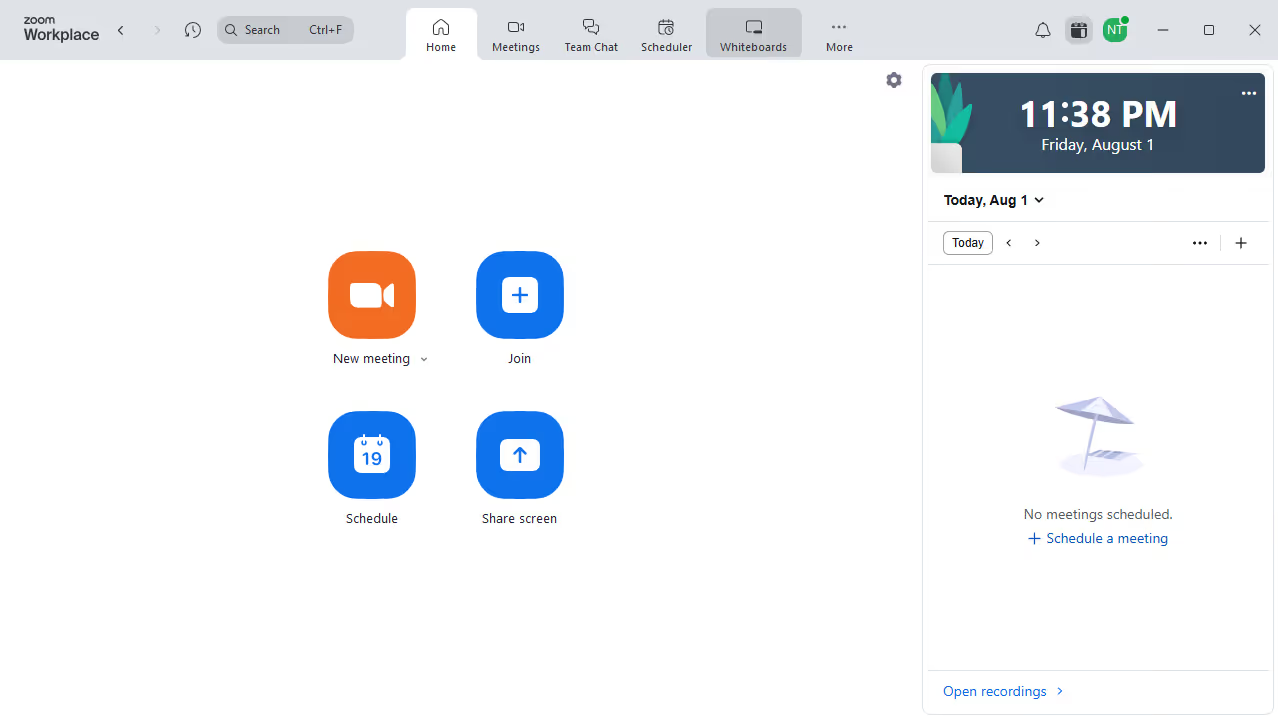
  1. First click on the "Whiteboards" tab in the top navigation menu
  2. Then open the whiteboard containing the grouped objects
  3. Next click on the grouped objects to select them
  4. Finally click on the "Ungroup" button in the bottom toolbar

Create your own interactive guide with Guideflow

Why should you ungroup objects in Zoom whiteboard

Zoom is a versatile platform designed to seamlessly connect people and ideas worldwide.

In the Zoom whiteboard, the ability to ungroup objects is a subtle yet powerful feature.

This functionality allows users to maintain creative flexibility by separating previously grouped elements, empowering personalized modifications and more fluid collaborations.

Ungrouping objects enhances the precision in presentations and brainstorming sessions, ensuring clarity and a more tailored expression of ideas.

Last update
February 3, 2026
Cursor MariaA cursor points to a button labeled "James."

Create your first demo in less than 30 seconds.