How to send a chat message in a Zoom meeting
Here is how to send a chat message in a zoom meeting
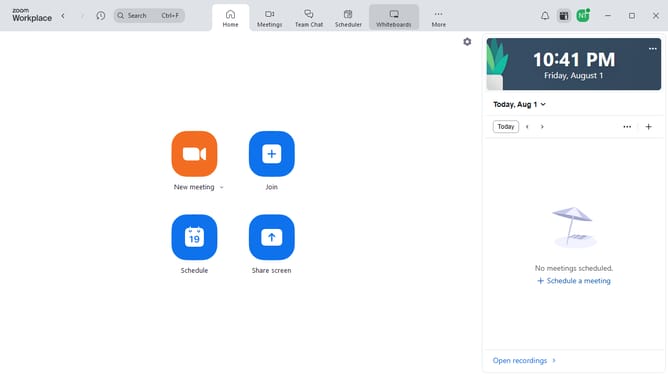
- First join or start the Zoom meeting
- Next click on the "Chat" button in the bottom control bar
- Then click in the message input box at the bottom of the chat panel and type your message
- Next choose who you want to message (e.g., Everyone, Host, or a specific participant)
- If needed, click the text formatting icon at the bottom of the input box
- Then use the formatting toolbar to apply bold, italic, underline, bullet points, or code block to your message
- Finally click the "Send" button in the bottom right corner of the chat panel
Why should you send a chat message in a Zoom meeting
Zoom is a dynamic platform designed for seamless virtual communication.
Sending a chat message during a Zoom meeting enhances your interactive experience, allowing for quick exchanges of information without interrupting the speaker.
This feature promotes a collaborative environment by enabling participants to share links, resources, or insights instantly.
Moreover, it fosters engagement, ensuring everyone stays connected and informed throughout the meeting.
Last update