How to turn on offline access in Zoom Docs
Here is how to turn on offline access in zoom docs
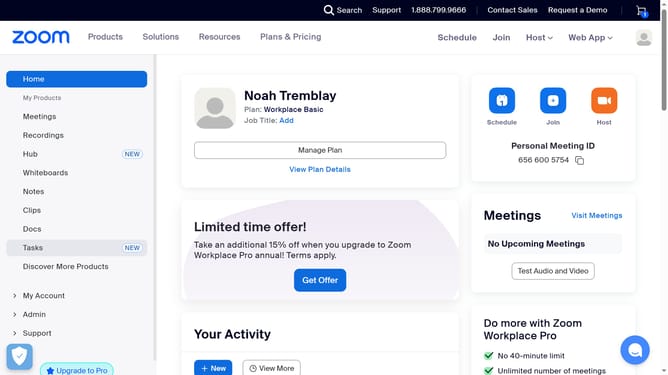
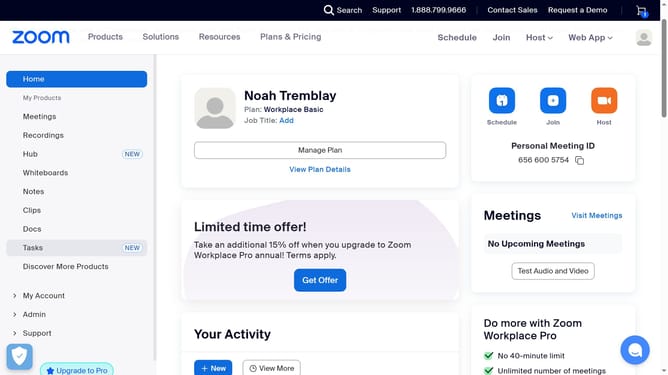
- First click on the "Docs" option in the left sidebar menu
- Then click on the "Settings" button at the bottom left corner of the Docs interface
- Finally turn on the "Offline access" toggle in the settings panel
Why should you turn on offline access in Zoom Docs
Zoom, a leading platform for virtual communication, seamlessly connects individuals across the globe.
By turning on offline access in Zoom Docs, you gain the convenience of working without an internet connection. This feature ensures productivity isn't hindered by connectivity issues, allowing you to access and work on your documents anytime, anywhere.
Especially useful for travel or when the internet is unreliable, offline access in Zoom Docs enhances flexibility and keeps your workflow uninterrupted.
Last update