How to underline a text in a table in Tettra
Here is how to underline a text in a table in tettra
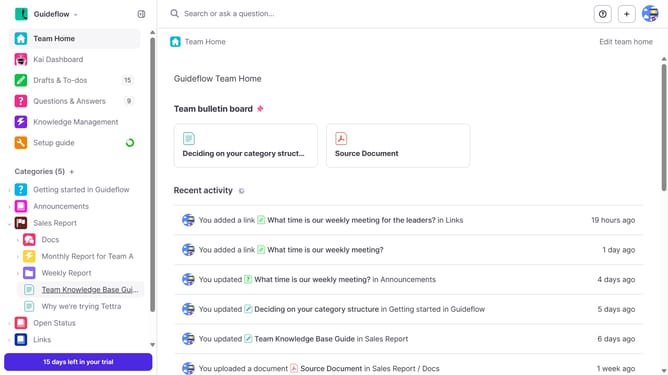
- First, click on the document title in the left sidebar
- Then click on "Continue Editing" button
- Next, highlight the text that you want to edit inside the table
- Finally click on the underline "U" button in the toolbar
Why should you How to underline a text in a table in Tettra
Tettra is a powerful knowledge management tool designed to streamline team communication and information sharing.
One efficient feature in Tettra is the ability to underline text within tables. This capability allows you to emphasize important information and draw attention to key details, enhancing the clarity of your documentation.
Using underlines in a table can improve readability, helping teams quickly identify essential data. This feature supports effective collaboration, ensuring everyone stays informed and aligned.
Last update