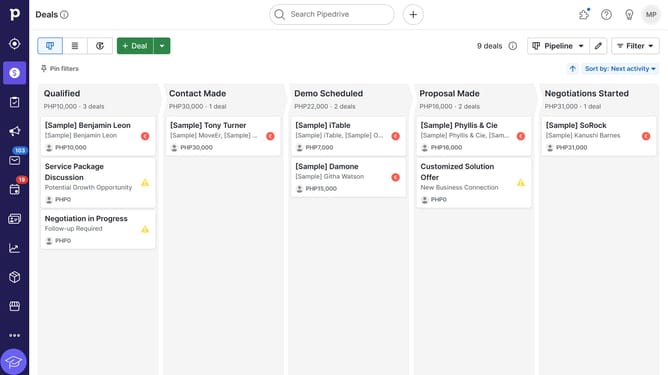
How to turn off product update emails in Pipedrive
Here is how to turn off product update emails in pipedrive
- First click on the profile avatar in the top-right corner of the header
- Then click on "Personal preferences" in the account dropdown menu
- Next click on "Notifications" in the left sidebar menu
- Locate the "Marketing and communications preferences" section
- Then uncheck the "Get helpful tips, product updates and exclusive offers via email" checkbox to stop receiving product update emails
- Finally click on the "Save" button at the bottom of the page to confirm the changes
Why should you turn off product update emails in Pipedrive
Pipedrive is a leading CRM platform designed to streamline sales processes and enhance productivity.
Turning off product update emails in Pipedrive allows users to focus uninterrupted on what truly matters. By managing email preferences, you can minimize distractions and maintain a clean inbox—ideal for sales professionals wanting to stay on top of client communications without extra noise.
This feature empowers you to tailor your notifications, ensuring you only receive information crucial to your workflow. It's productivity, prioritized.
Last update