How to add products in Pipedrive
Here is how to add products in pipedrive
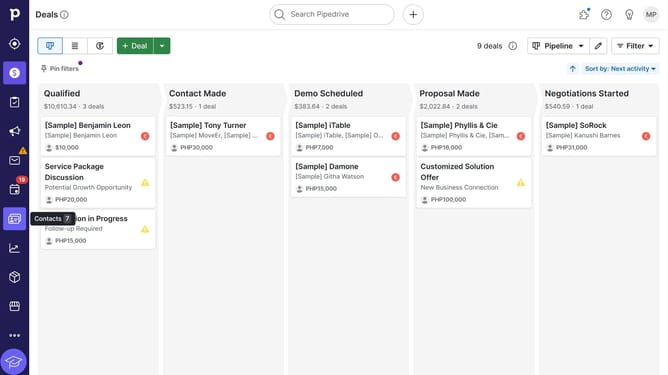
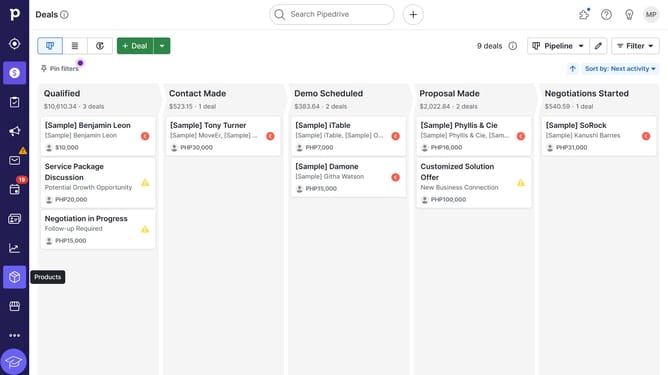
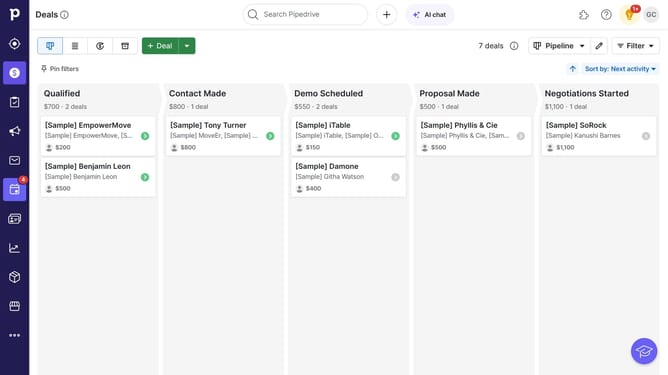
- First, click on the "Products" item in the left sidebar menu
- Then click on the "+ Product" button in the top toolbar to add a new one
- Next, fill in the details in the Add Product form
- Then click the "Save" button at the bottom of the form
- Your new product will be added to the list
Why should you add products in Pipedrive
Pipedrive is a powerful CRM platform designed to streamline your sales process and drive business growth.
Adding products in Pipedrive enables businesses to organize their catalog effectively by associating products directly with deals. This feature enhances sales tracking by providing clear insights into which products drive revenue, thereby optimizing decision-making.
By utilizing this feature, sales teams can easily manage inventory, track product performance, and create targeted sales strategies that elevate customer satisfaction and boost overall productivity.
Last update