How to turn off offline access in Zoom Docs
Here is how to turn off offline access in zoom docs
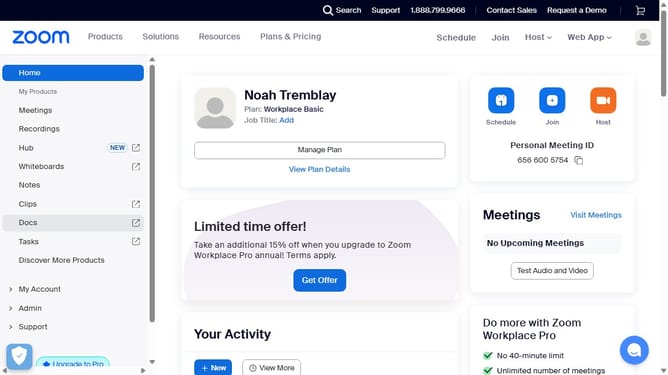
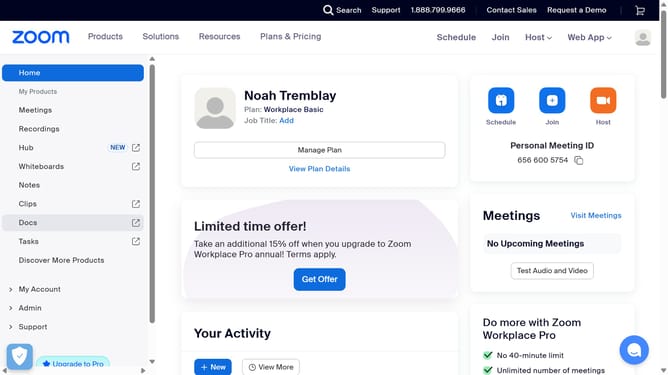
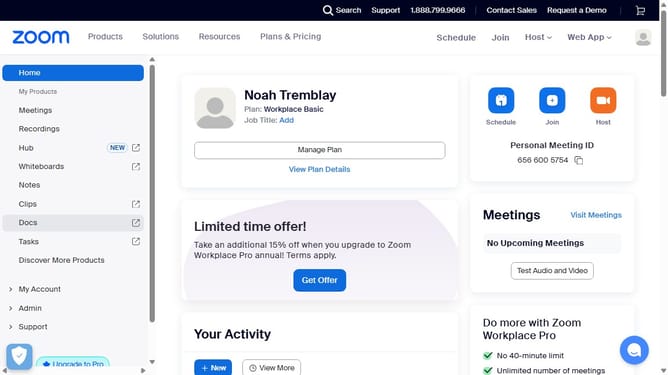
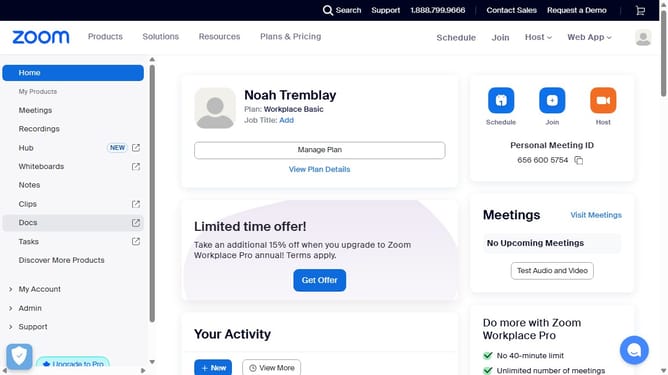
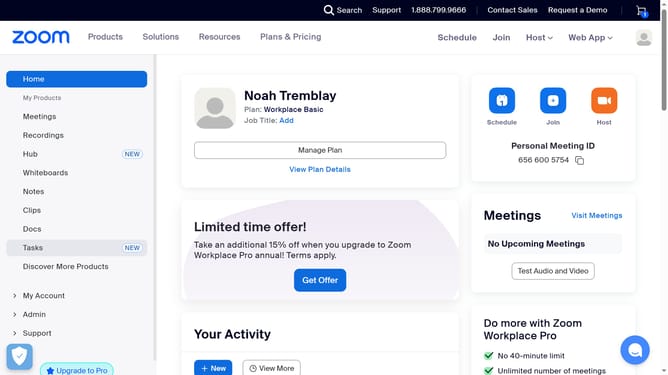
- First click on the "Docs" option in the left sidebar menu
- Then click on the "Settings" button at the bottom left corner of the Docs interface
- Next turn off the "Offline access" toggle in the settings panel
- Finally click "Confirm" in the confirmation dialog to disable offline access
Why should you turn off offline access in Zoom Docs
Zoom revolutionizes virtual communication by seamlessly connecting people worldwide.
The feature to disable offline access in Zoom Docs enhances your security and data privacy.
By turning off offline access, you ensure that sensitive documents are accessible only during active online sessions, reducing the risk of unauthorized access.
This feature is particularly beneficial for maintaining control over who can view or edit documents, providing peace of mind when handling critical information.
Last update