How to switch to table view in a data table in Zoom Docs
Here is how to switch to table view in a data table in zoom docs
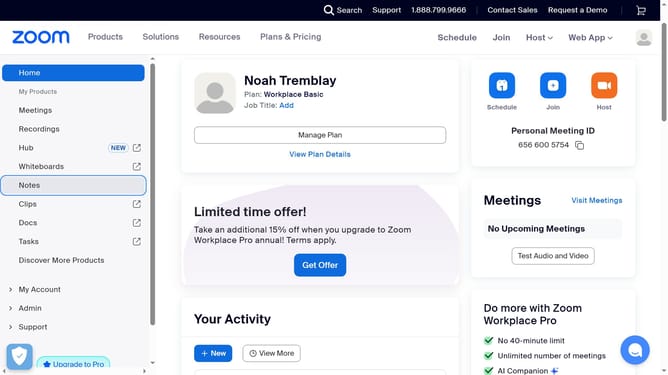
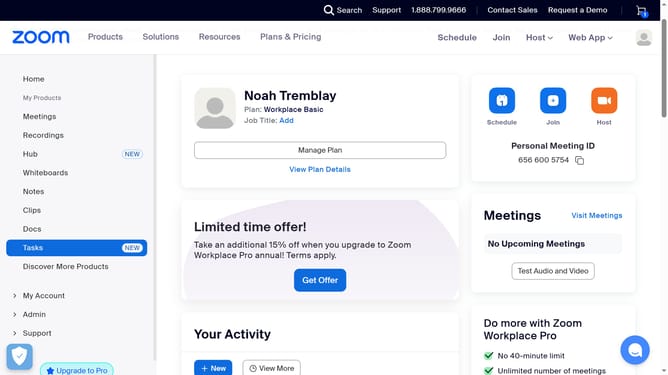
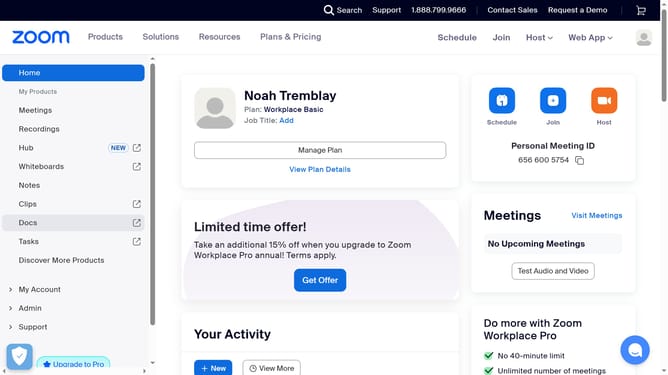
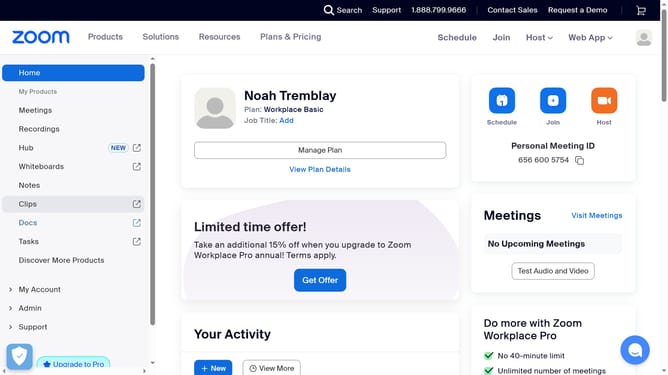
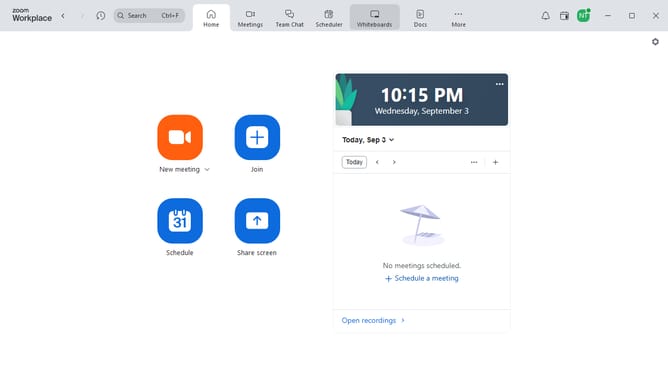
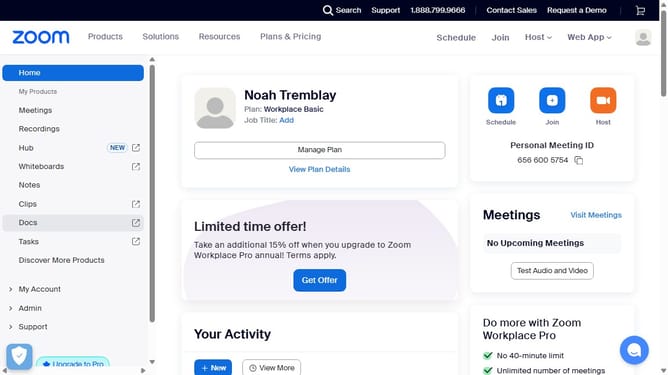
- First click on the "Docs" option in the left sidebar menu
- Then select the data table you want to modify
- Next click the settings button (three dots) at the top of the data table
- Then click the "Change view to" option from the dropdown menu
- Finally select "Table view" to switch the data table layout
Why should you switch to table view in a data table in Zoom Docs
Zoom is a versatile platform designed to elevate virtual communication and collaboration.
Switching to table view in Zoom Docs streamlines the process of analyzing data, offering a tidy and organized representation.
This feature enhances clarity, allowing users to quickly assimilate and compare data points.
Utilizing table view promotes efficiency and improves decision-making, as you can focus on key insights without distractions.
Last update