Zoom
Zoom is a unified communications platform for video, phone, chat, and webinars. It helps teams connect, collaborate, and boost productivity with powerful, intuitive tools.
Website
Industry
Collaboration
Share this article:

How to clear all text formatting in Zoom Docs

Here is how to clear all text formatting in zoom docs

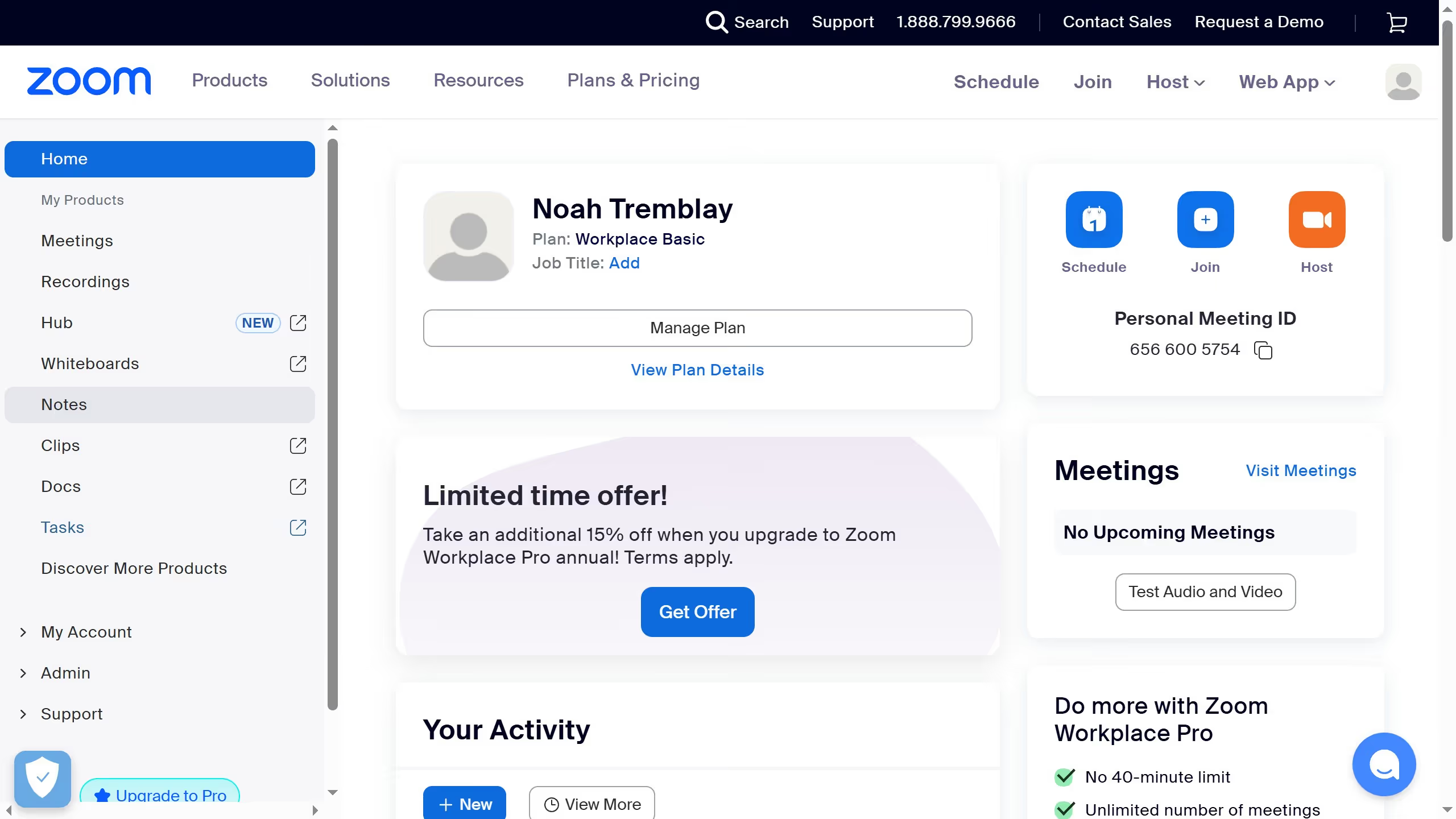
  1. First click on the "Docs" option in the left sidebar menu
  2. Then open the document where you want to clear text formatting
  3. Highlight the text you want to reset
  4. Then click on the "..." (more options) button in the formatting toolbar
  5. Finally click on the "Clear formatting" option from the dropdown menu

Create your own interactive guide with Guideflow

Why should you clear all text formatting in Zoom Docs

Zoom is a powerful platform that connects people through seamless video communication and collaboration.

One standout feature of Zoom Docs is the ability to clear all text formatting effortlessly.

This feature is invaluable for maintaining a consistent and professional look in your documents, especially when merging content from various sources.

Removing formatting helps streamline text, ensuring clarity and uniformity, making documents clean and easy to read.

Last update
February 3, 2026
Cursor MariaA cursor points to a button labeled "James."

Create your first demo in less than 30 seconds.