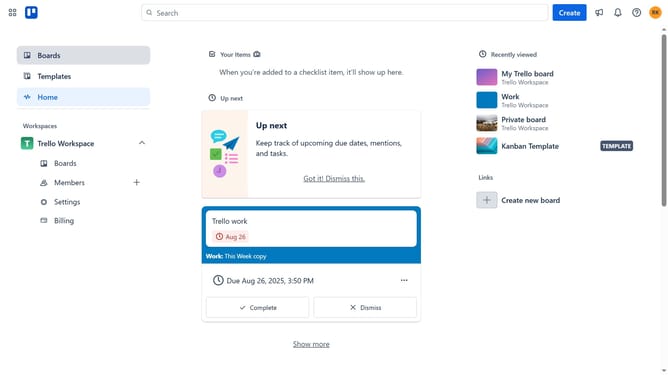
How to switch boards in Trello
Here is how to switch boards in trello
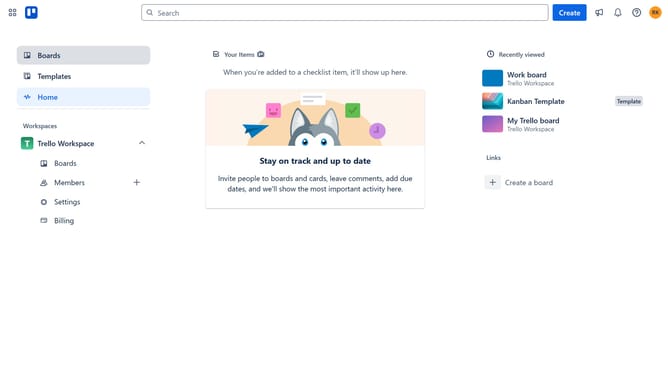
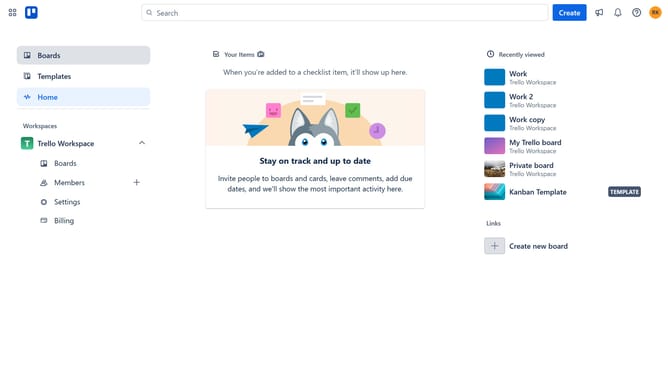
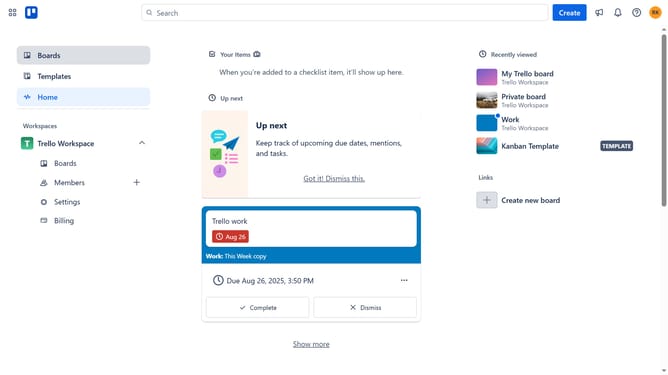
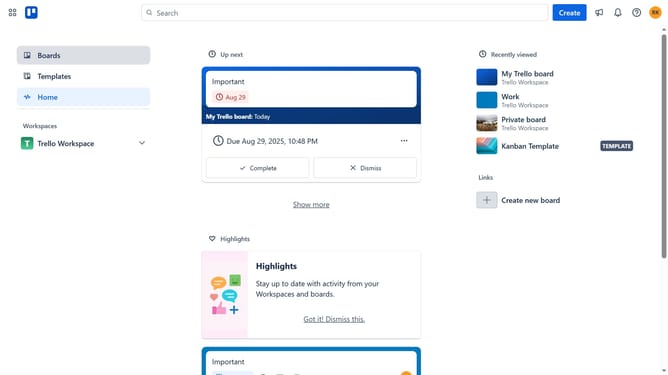
- First click on the "Boards" option in the left sidebar menu
- Then click on a board in the Workspaces section
- Next click on the "Switch boards" button in the bottom navigation bar
- Finally click on a board you want to switch in the board switcher section
Why should you switch boards in Trello
Trello is a versatile project management tool designed to streamline team collaboration and task organization.
One of its standout features is the ability to effortlessly switch between different boards, which enhances workflow efficiency. This feature is especially useful in a dynamic work environment where multiple projects run simultaneously.
By easily navigating between boards, users can better prioritize tasks, maintain focus, and ensure nothing falls through the cracks. This seamless transition helps foster a more productive and organized workspace, making it easier to achieve project milestones.
Last update