How to set regular intervals running schedule for Dropbox scenario in Make
Here is how to set regular intervals running schedule for dropbox scenario in make
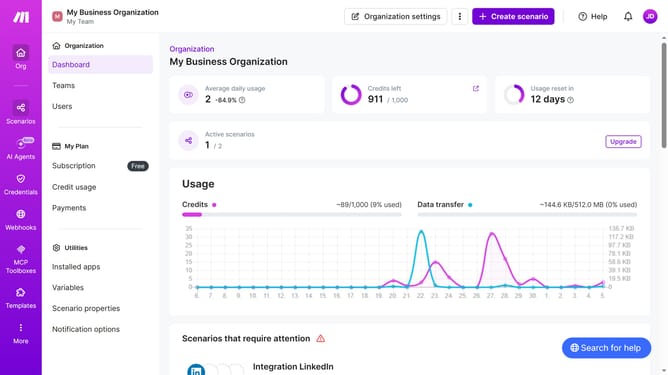
- First click on "Scenarios" in the left sidebar
- Then click on the Dropbox scenario in the list
- Next click on the "Options" button
- Then select "Scheduling" from the dropdown menu
- After that click on the dropdown menu for "Run scenario"
- Then select "Monthly" from the options
- Finally click on the "Save" button
Why should you set regular intervals running schedule for Dropbox scenario in Make
Make is a versatile automation platform designed to streamline workflows and integrate applications seamlessly.
Setting regular intervals on a Dropbox scenario within Make allows you to automate file management effortlessly. This feature ensures your Dropbox actions occur precisely when needed, enhancing productivity.
By defining these intervals, you minimize manual effort and reduce the risk of errors, creating a consistent and efficient process that saves time and energy.
Last update