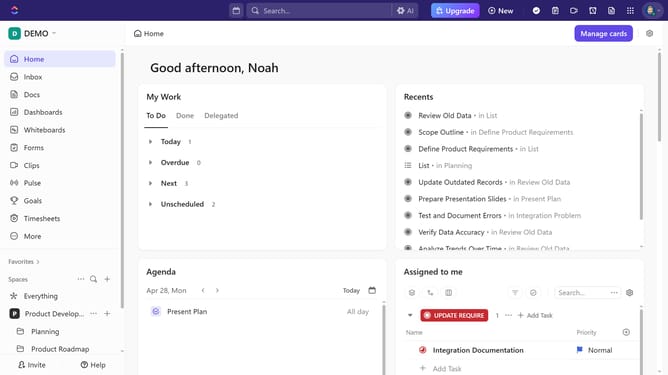
How to set priority for a subtask in ClickUp
Here is how to set priority for a subtask in clickup
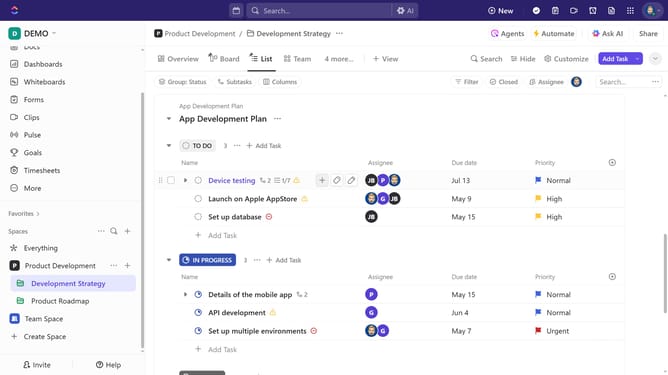
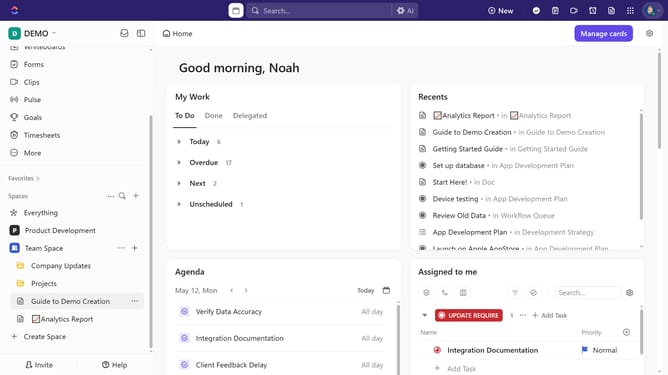
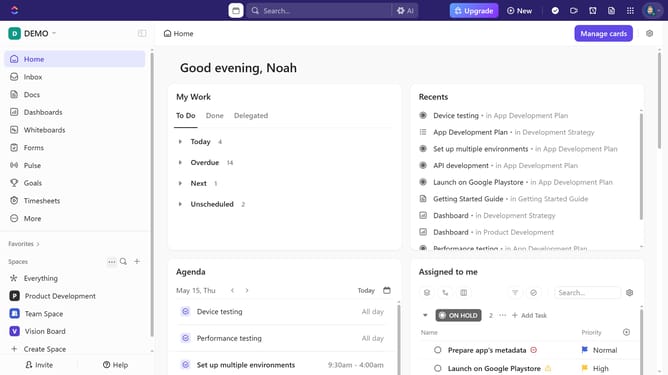
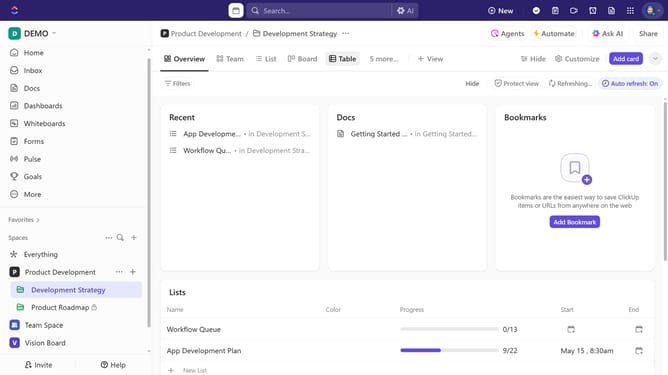
- First in the left sidebar, under the relevant Space, click on the Folder or List that contains the subtask
- Then in your preferred view, locate the task containing the subtask you want to prioritize
- Click the expand arrow button next to the task
- Next click on the priority flag icon next the subtask
- Finally select a priority from the priority dropdown menu
Why should you set priority for a subtask in ClickUp
ClickUp is a dynamic tool designed to streamline project management and enhance productivity across teams.
The ability to set priority for a subtask in ClickUp is a valuable feature that offers clarity and focus, ensuring that team members know which tasks require immediate attention.
By prioritizing subtasks, teams can efficiently allocate resources and time towards high-impact activities, reducing bottlenecks and improving workflow.
This feature empowers teams to stay aligned, meet deadlines, and achieve their goals more effectively.
Last update