How to set motion control to Minimum on Zoho CRM
Here is how to set motion control to minimum on zoho crm
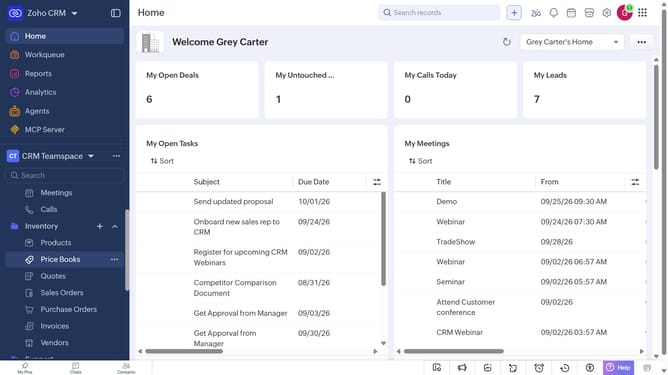
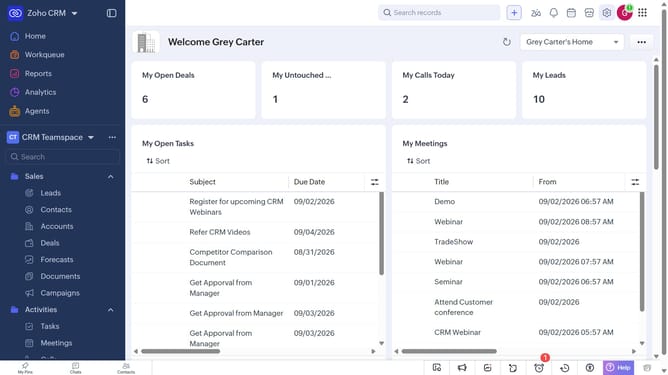
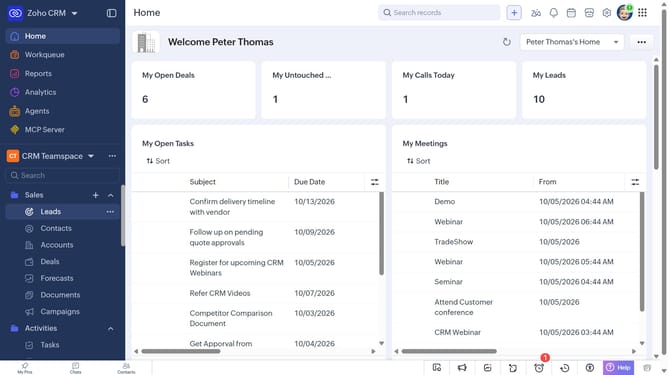
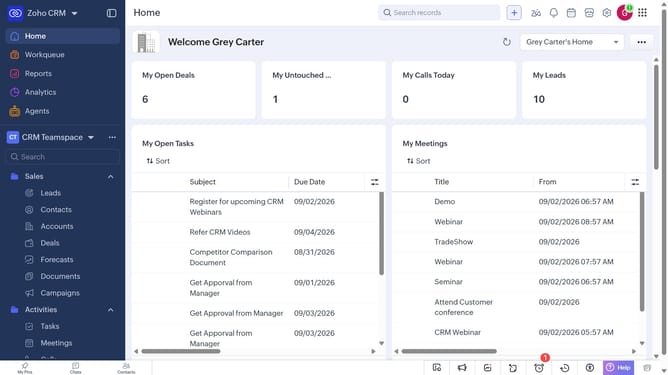
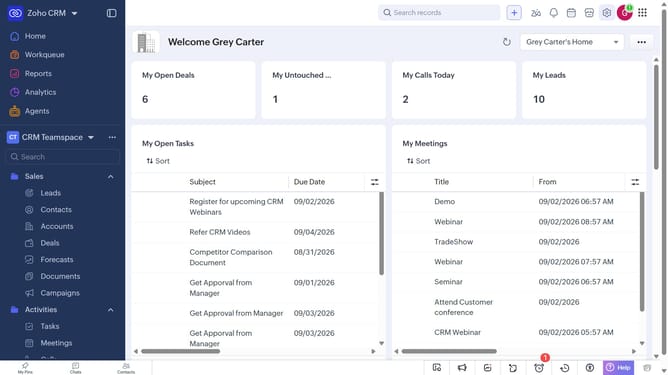
- First click on the settings icon in the top menu
- Next click on "Personal Settings" under the "General" section
- Click on the "Accessibility" tab
- After that, click on the "Vision" tab
- Then, locate the "Motion Control" option
- Finally, select the "Minimum" option
Why should you How to set motion control to Minimum on Zoho CRM
Zoho CRM is a powerful tool designed to streamline customer relationship management with efficiency and ease.
Setting motion control to Minimum on Zoho CRM enhances user interaction by simplifying the visual experience. This feature allows users to focus on core tasks without unnecessary distractions, improving both productivity and comfort.
Keeping motion to a minimum ensures a smoother and more consistent interface response, which can be particularly beneficial for users prone to motion sensitivity. It supports a cleaner workflow and helps maintain attention on what's most important—engaging meaningfully with clients and leads.
Last update