How to resume a paused message in HelpScout
Here is how to resume a paused message in helpscout
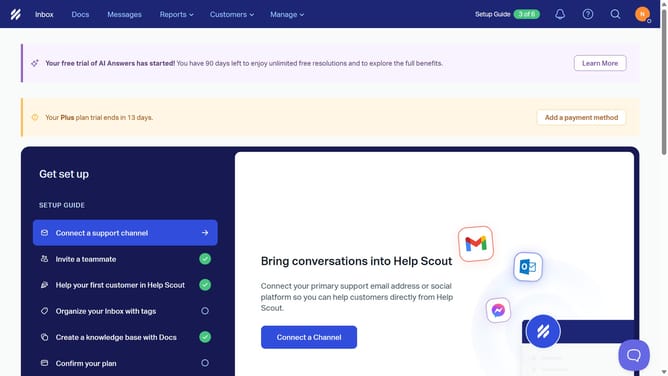
- First click on "Messages" item in the header menu
- Then click on "Show 1 more" button to view paused message
- Next click on the "more options" icon
- Then click on "Resume" option in the dropdown menu
- Finally click on the "Resume" button in the confirmation dialog
Why should you resume a paused message in HelpScout
Help Scout is an intuitive platform designed for effortless customer support management.
In the dynamic flow of customer interactions, pausing a message can be essential to manage priority tasks swiftly.
Using the "resume paused message" feature ensures that you seamlessly continue conversations, bridging any gap left during the pause.
This functionality enhances productivity and enables teams to deliver timely and uninterrupted service.
Last update