How to reset an end user's password in Zendesk
Here is how to reset an end user's password in zendesk
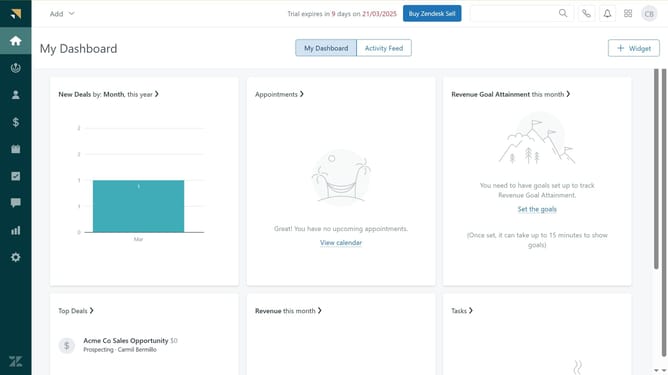
- First click on the "People" icon in the left sidebar
- Then find and click on the user whose password needs to be reset
- Next click on the "Security Settings" tab in the user profile
- Click on the "Reset" link next to the password field
- The user will now receive an email with a link to reset a new password
- Alternatively, if you are an administrator click on the "Set" button to manually create a new password
- Then in the popup dialog, enter your new password in the "New Password" field
- Next enter the password again in the "Verify Password" field to confirm
- Finally, click on "Save" button to save and apply the new password
Why should you reset an end user's password in Zendesk
Zendesk is a dynamic platform designed to enhance customer service interactions and streamline support processes.
Resetting an end user's password in Zendesk is a straightforward feature that ensures seamless access recovery for users. This function is crucial for maintaining security while providing users with an easy way to regain access.
The simplicity of this feature means fewer interruptions for support teams and a more satisfying experience for users. Quick password resets enhance productivity and user satisfaction.
Last update