How to rename a segment in Mailerlite
Here is how to rename a segment in mailerlite
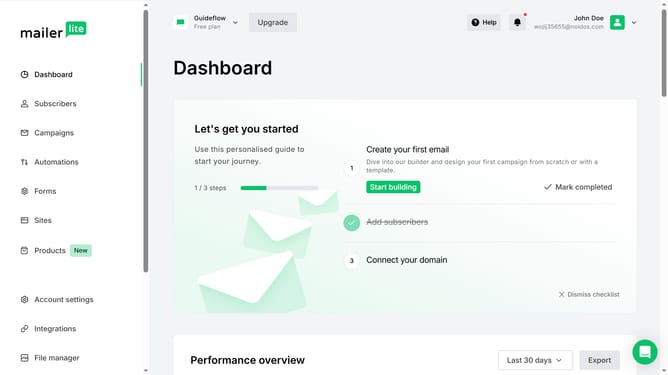
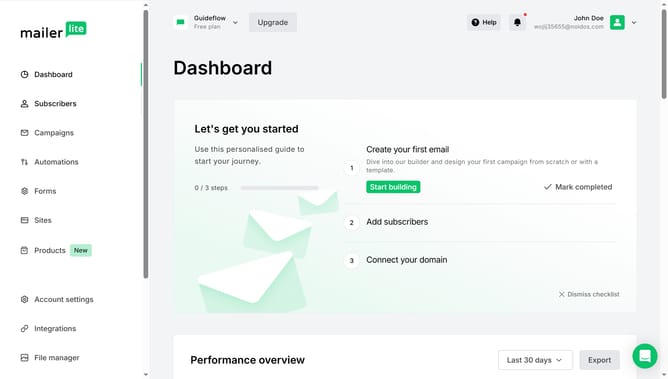
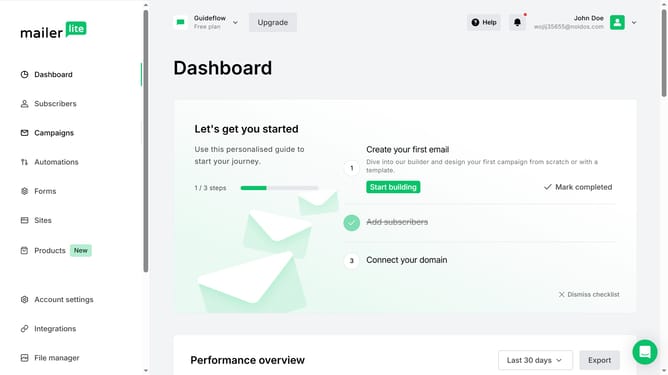
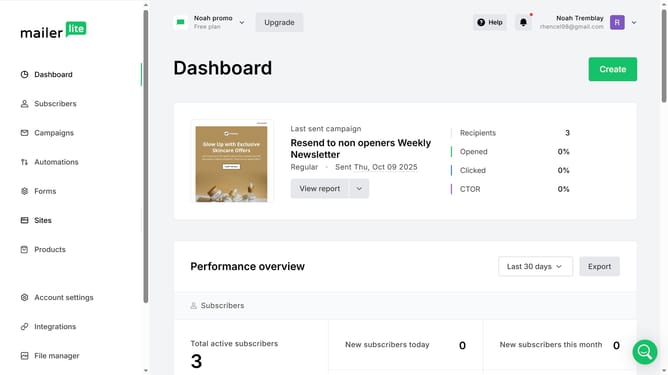
- First click on "Subscribers" in the left sidebar menu
- Then click on "Segments" tab in the main content area
- Next click on "More" dropdown menu next to the segment that you want to rename
- Click on "Rename" option in the dropdown menu
- Click on the text input field and replace it with the new name you want to have for the segment
- Finally click the "Save" button to confirm the segment rename
Why should you rename a segment in Mailerlite
MailerLite is a powerful email marketing tool designed to simplify the process of managing email campaigns.
Renaming a segment in MailerLite is a feature that allows users to effortlessly organize their contact lists according to evolving marketing strategies. By being able to rename segments, you maintain a clear and organized view of your audience, ensuring that communications are accurately targeted.
This feature not only enhances your workflow efficiency but also enables more personalized interactions with your audience, ultimately leading to improved campaign performance.
Last update