Slack
Slack is a business communication platform that organizes team conversations into channels and direct messages.
Website
Industry
Collaboration
Share this article:

How to remove automatic desktop sign out in Slack

Here is how to remove automatic desktop sign out in slack

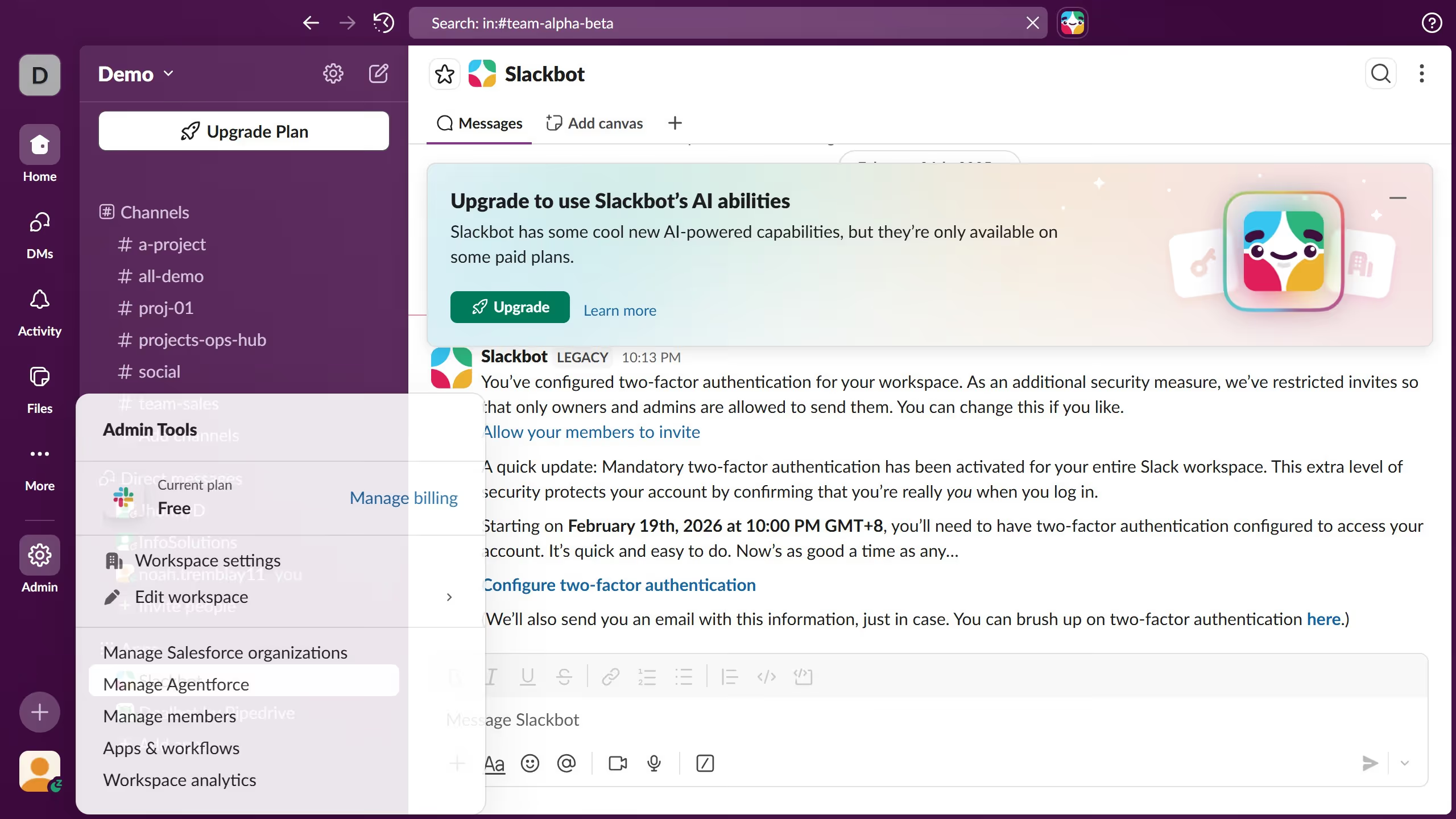
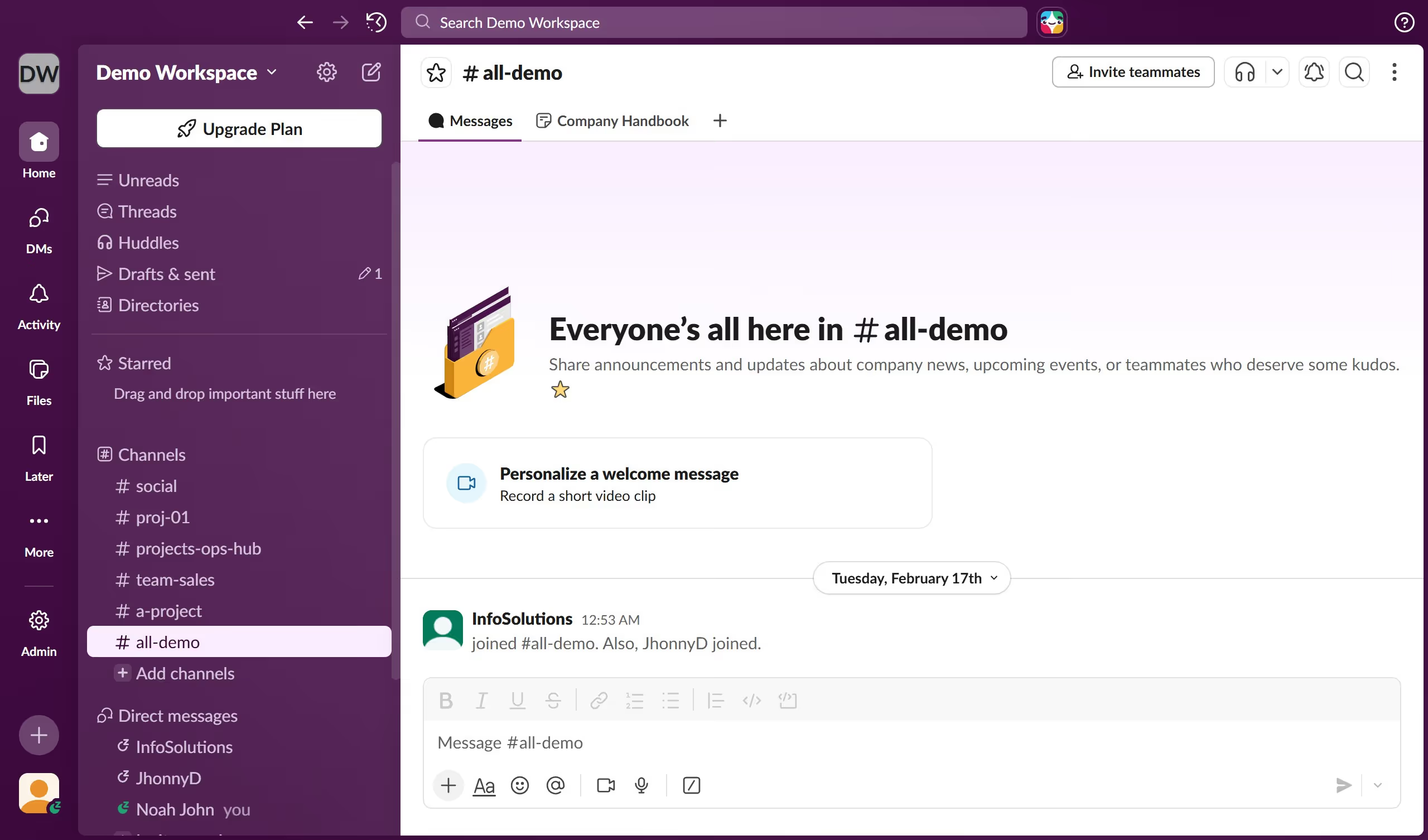
  1. First click on "Admin" button in the left sidebar to open admin tools menu
  2. Then click on "Workspace Settings" option in the Admin Tools panel
  3. Next click on "Security" option in the left sidebar navigation menu
  4. Then click on "Edit" button next to "Desktop session duration" setting
  5. Then click on "Automatically log users out of desktop" checkbox to disable the automatic logout feature
  6. Finally click on "Save" button to confirm and save the changes

Create your own interactive guide with Guideflow

Why should you remove automatic desktop sign out in Slack

Slack is a versatile communication platform designed to streamline team collaboration.

Removing the automatic desktop sign out feature in Slack allows for an uninterrupted connection to your team's conversations. This adjustment can save time and reduce frustration, enabling users to stay logged in and focused on their work.

Staying signed in helps ensure you don't miss critical updates or messages, fostering a more seamless workflow. This continuity enhances productivity by maintaining the momentum and flow of communication essential for dynamic team environments.

Last update
March 16, 2026
Cursor MariaA cursor points to a button labeled "James."

Create your first demo in less than 30 seconds.