How to prioritize new leads in an email campaign in Instantly
Here is how to prioritize new leads in an email campaign in instantly
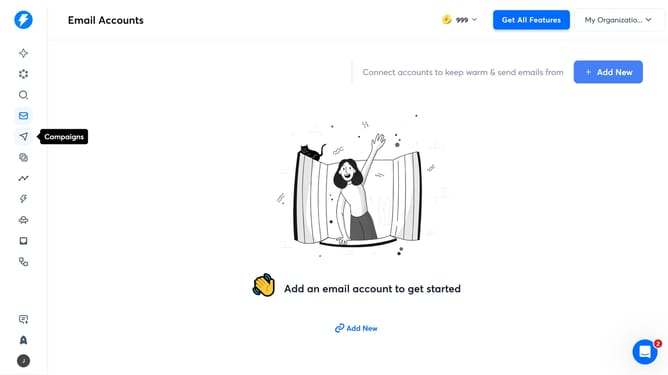
- First, click on the 'Campaigns' icon in the sidebar
- Then click on the campaign title to open it
- Next, click on 'Options' in the campaign header
- After that, click on 'Show advanced options' to expand the settings
- Then, click on the dropdown for 'Choose winning metric'
- Next, select an option from the dropdown menu
- Lastly, click on the 'Save' button
Why should you prioritize new leads in an email campaign in Instantly
Instantly is a dynamic platform designed to optimize the efficiency of your email campaigns.
Prioritizing new leads in an email campaign with Instantly is seamless, empowering you to focus on prospects with the highest potential. This feature allows you to categorize and address leads more strategically, ensuring that your messages reach those most likely to engage.
By leveraging this prioritization, you enhance your campaign's responsiveness and increase conversion rates. This streamlined approach not only saves time but also maximizes your efforts by targeting the leads who matter most.
Last update