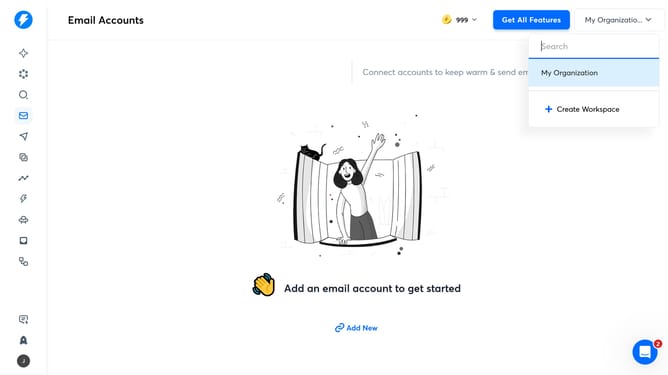
How to edit slack connected account
Here is how to edit slack connected account
- First click on the user profile icon in the left sidebar
- Then click on "Settings" in the sidebar menu
- Next, click on the "Integrations" tab in the settings
- Click on the "Manage" button for Slack
- Then click on the pencil icon to edit the Slack connection
- Next, edit the slack name in the input field
- Finally, click on the check icon to confirm changes
Why should you edit slack connected account
Instantly is your go-to solution for effortlessly managing multiple online platforms with ease.
Editing your Slack connected account is a powerful feature that allows you to customize how your workspace interacts with and manages its integrated apps.
This feature is essential for maintaining a seamless workflow as it ensures your integrations are always aligned with your team's evolving needs.
By keeping your settings updated, you enhance collaboration and ensure that each connected account is optimized for efficiency and productivity.
Last update