How to set on when to send next message in a campaign in Instantly
Here is how to set on when to send next message in a campaign in instantly
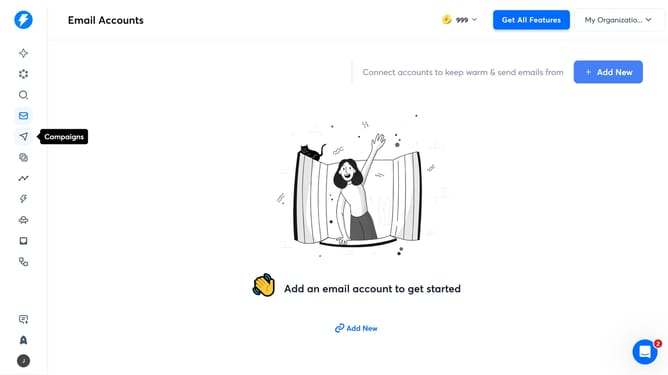
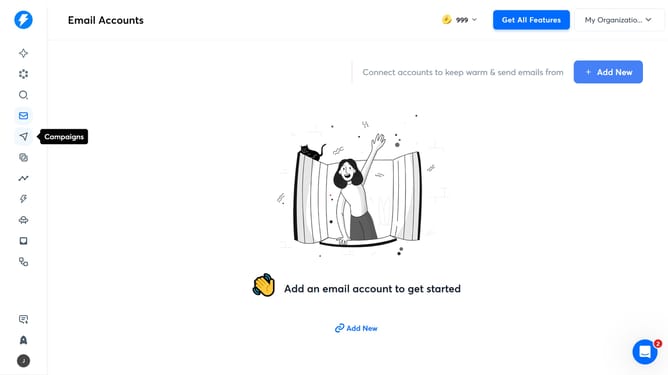
- First, click on the "Campaigns" icon in the left sidebar
- Then, click on a campaign from the list item
- Next, click on the "Sequences" tab in the campaign details
- After that, click on the input field in the "Send next message in" section and enter value
- Then, click on the dropdown menu next to the value
- Then, click on the option in the dropdown menu
- Finally, click on the "Save" button
Why should you set on when to send next message in a campaign in Instantly
Instantly is a dynamic email marketing platform designed for optimizing campaign reach and engagement.
The feature to set when to send the next message in a campaign allows for greater control and timing precision. This ensures your message reaches recipients when they're most likely to engage.
By strategically timing your emails, you can increase open rates, improve customer interaction, and boost overall campaign success. Using this feature allows you to maintain a smooth and engaging communication flow with your audience.
Last update