How to allow inserting unsubscribe link header in Instantly
Here is how to allow inserting unsubscribe link header in instantly
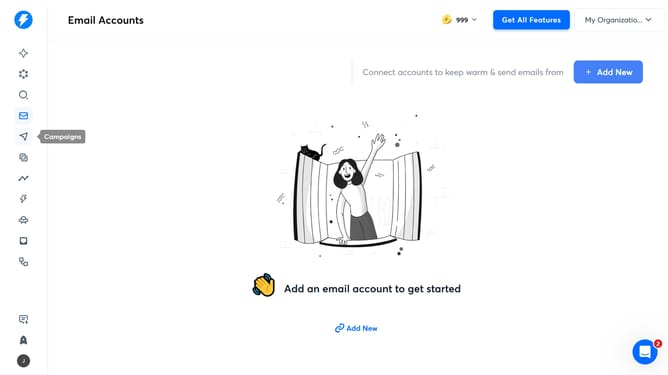
- First click on the "Campaigns" icon in the navigation sidebar
- Then click on the campaign title to open it
- Next click on the "Options" button
- Next select the checkbox for "Insert unsubscribe link header"
- Finally, click on the "Save" button
Why should you allow inserting unsubscribe link header in Instantly
Instantly is a powerful platform designed to streamline your email outreach and automate communication.
Allowing the insertion of an unsubscribe link header in Instantly enhances user experience by giving recipients the option to opt-out effortlessly.
This feature not only enhances compliance with email regulations but also fosters trust and transparency with your audience. It ensures that your email campaigns remain courteous and user-friendly.
Embracing this option leads to improved list quality and more engaged subscribers, ultimately boosting the effectiveness of your email marketing efforts.
Last update