How to search leads by department in Instantly
Here is how to search leads by department in instantly
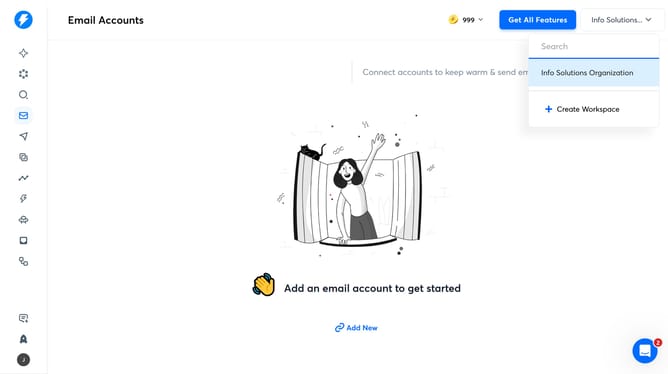
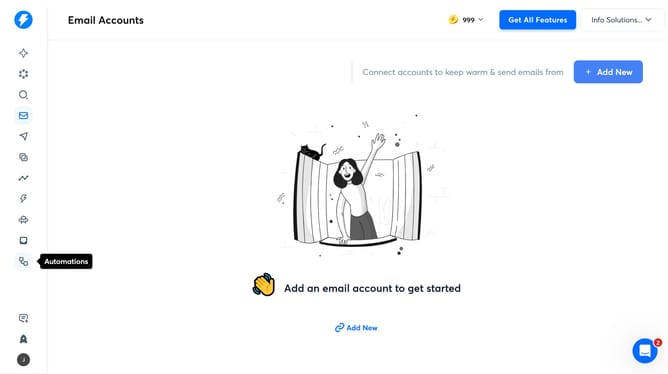
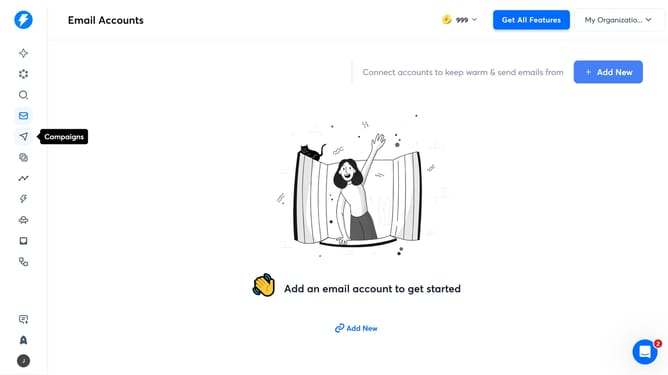
- First click on the "Search" icon in the left sidebar
- Then click on the "Job Titles" filter in the left sidebar
- Then click on the "Department" filter in the left sidebar
- Finally select from the department options in the left sidebar
Why should you search leads by department in Instantly
Instantly is a cutting-edge platform designed to streamline lead management for businesses.
A standout feature is its ability to search leads by department, allowing users to efficiently organize and access targeted contact lists.
Such specificity in lead searching enhances marketing strategies by aligning them with departmental goals, ensuring more focused and effective outreach.
This functionality not only saves time but also boosts productivity by helping teams concentrate on relevant prospects.
Last update